
Grocery Reset Planning template
Coordinate the reset across store layout, inventory, signage and final walkthrough. Start with a connected workflow, then tailor it to your team and goals.
Plan the reset
1 starter task02STAGEPrepare the floor
1 starter task03STAGEReplenish inventory
1 starter task04STAGEFinal walkthrough
1 starter taskA clear path.
From start to finish.
Keep the work connected, with a clear starting point for every stage of your project.
Your workflow, your way.
Add tasks, rename stages, and set owners and dates to match your project.
01Plan the reset1 task
A starting point for this stage. Add the steps your team needs, then assign owners and dates in Nodomo.
- Confirm the Q2 refresh scopeNot started
02Prepare the floor1 task
A starting point for this stage. Add the steps your team needs, then assign owners and dates in Nodomo.
- Update shelf layout and signageNot started
03Replenish inventory1 task
A starting point for this stage. Add the steps your team needs, then assign owners and dates in Nodomo.
- Coordinate stock and deliveriesNot started
04Final walkthrough1 task
A starting point for this stage. Add the steps your team needs, then assign owners and dates in Nodomo.
- Verify the store is readyNot started
Make it yours in three steps.
- 01
Start with this template
Choose this workflow when you sign up for Nodomo.
- 02
Shape it around your team
Review the stages, add your tasks, and set the people and dates behind the plan.
- 03
Move your project forward
Use your workflow to coordinate the work and follow progress through to completion.
More ways to get started.
Browse all templates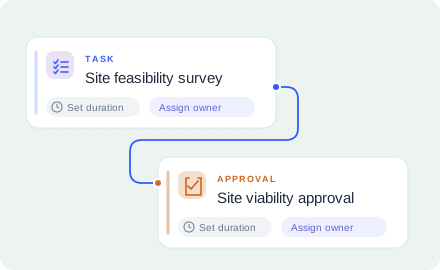
Build your next opening in Nodomo.
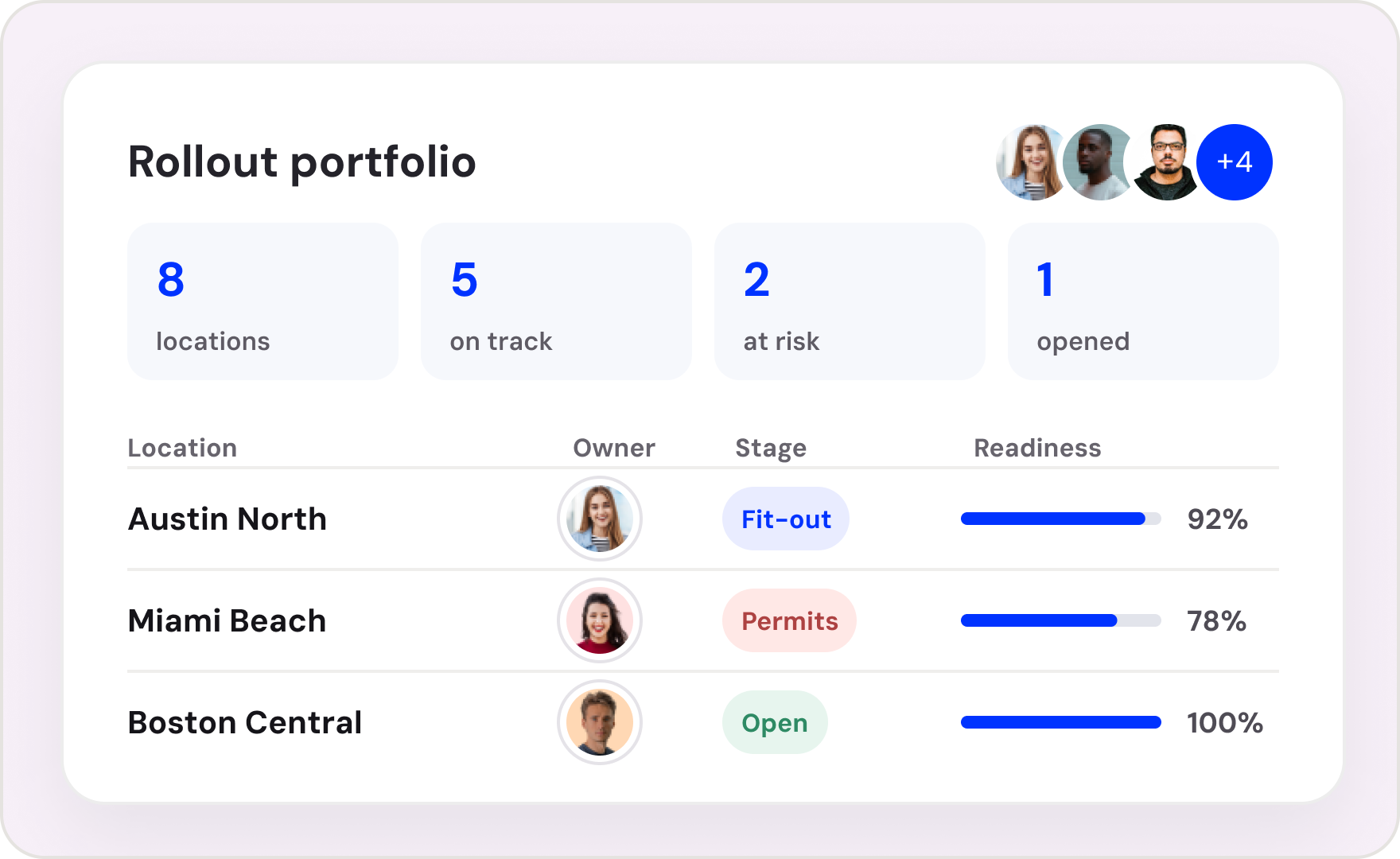
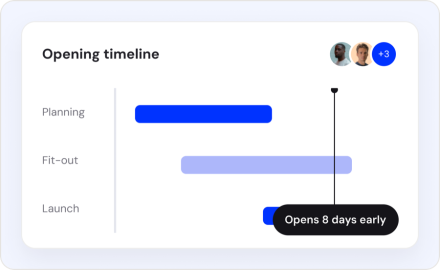
Start from the Retail Opening Template or bring the tracker your team already uses. See your first opening as one connected flow.
Get 14 days free trial