
Store Closure / Restaurant template
Coordinate restaurant closure approvals, staff communication, equipment and final handover. Start with a connected workflow, then tailor it to your team and goals.
Closure approval
1 starter task02STAGEStaff & guest notices
1 starter task03STAGEEquipment & inventory
1 starter task04STAGEFinal handover
1 starter taskA clear path.
From start to finish.
Keep the work connected, with a clear starting point for every stage of your project.
Your workflow, your way.
Add tasks, rename stages, and set owners and dates to match your project.
01Closure approval1 task
A starting point for this stage. Add the steps your team needs, then assign owners and dates in Nodomo.
- Confirm the closure decision and filingNot started
02Staff & guest notices1 task
A starting point for this stage. Add the steps your team needs, then assign owners and dates in Nodomo.
- Notify teams and key partnersNot started
03Equipment & inventory1 task
A starting point for this stage. Add the steps your team needs, then assign owners and dates in Nodomo.
- Transfer, sell or write off assetsNot started
04Final handover1 task
A starting point for this stage. Add the steps your team needs, then assign owners and dates in Nodomo.
- Close accounts and confirm sign-offNot started
Make it yours in three steps.
- 01
Start with this template
Choose this workflow when you sign up for Nodomo.
- 02
Shape it around your team
Review the stages, add your tasks, and set the people and dates behind the plan.
- 03
Move your project forward
Use your workflow to coordinate the work and follow progress through to completion.
More ways to get started.
Browse all templates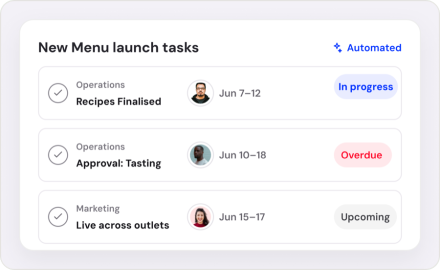
Menu Launch & Rollout
Coordinate recipe approvals, menu updates and rollout across every outlet.
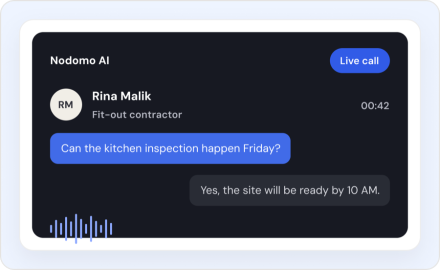
Café opening
Set up your café, from the first floor plan to the first pour.
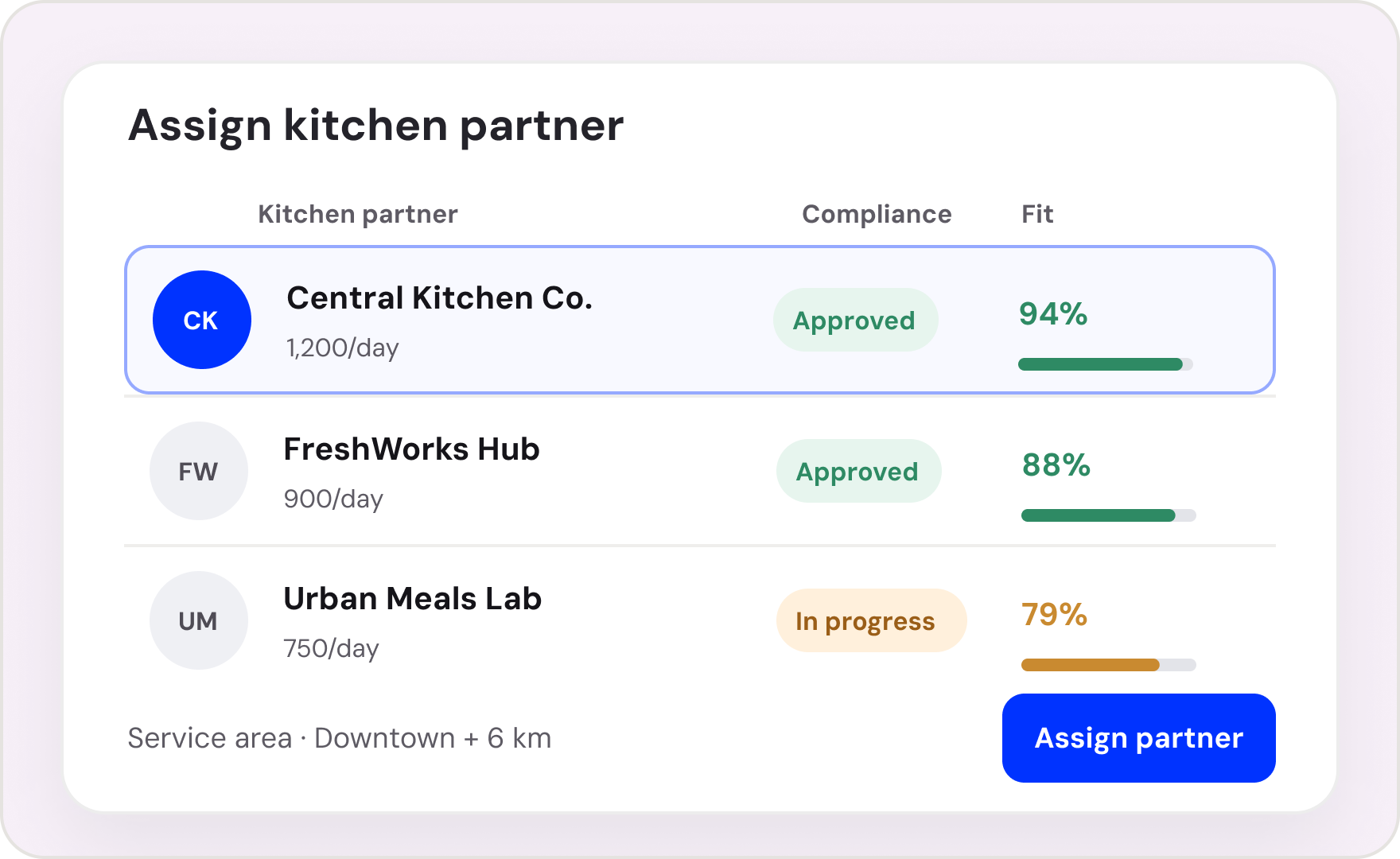
Cloud kitchen launch
Build a delivery-ready kitchen with a clear path to launch.
Build your next opening in Nodomo.
Start from the Retail Opening Template or bring the tracker your team already uses. See your first opening as one connected flow.
Get 14 days free trial