Location & Menu Planning
1 nodeYour team
Included in this milestone
- Location & menu planning
Build a delivery-ready kitchen with a clear path to launch across MEP fit-out, permits, and aggregator onboarding.
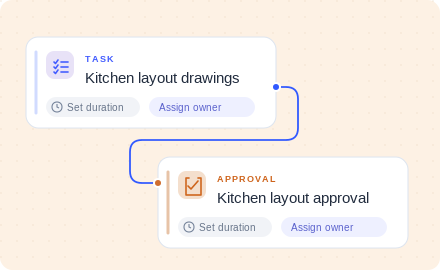
Follow the real process, stage by stage, with the approvals and rework loops that keep it honest.
Drag to explore · Scroll to zoom · Click a step to focus
Explore the milestones and the work included in each stage of your project.
Plan timelines, follow your workflow, and monitor progress. Explore the existing product visuals below.
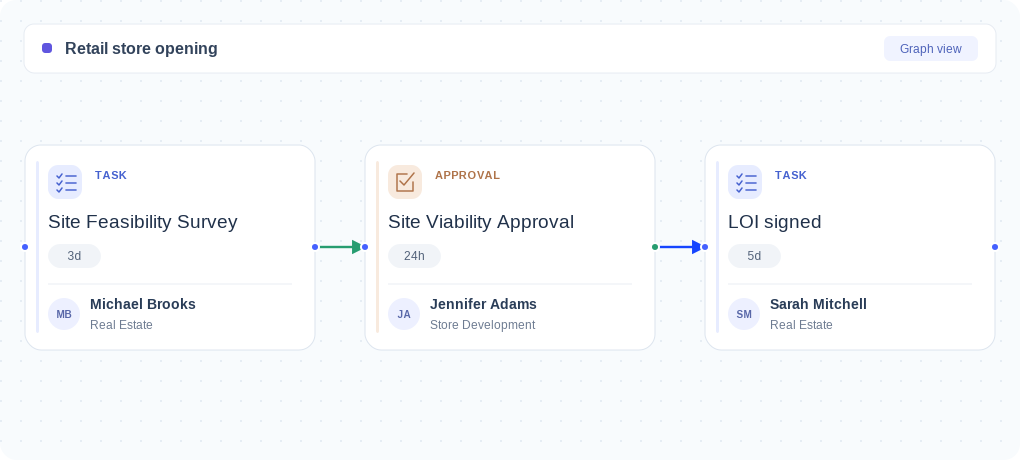
Explore this shared Nodomo product example. Configure the view around your own project.
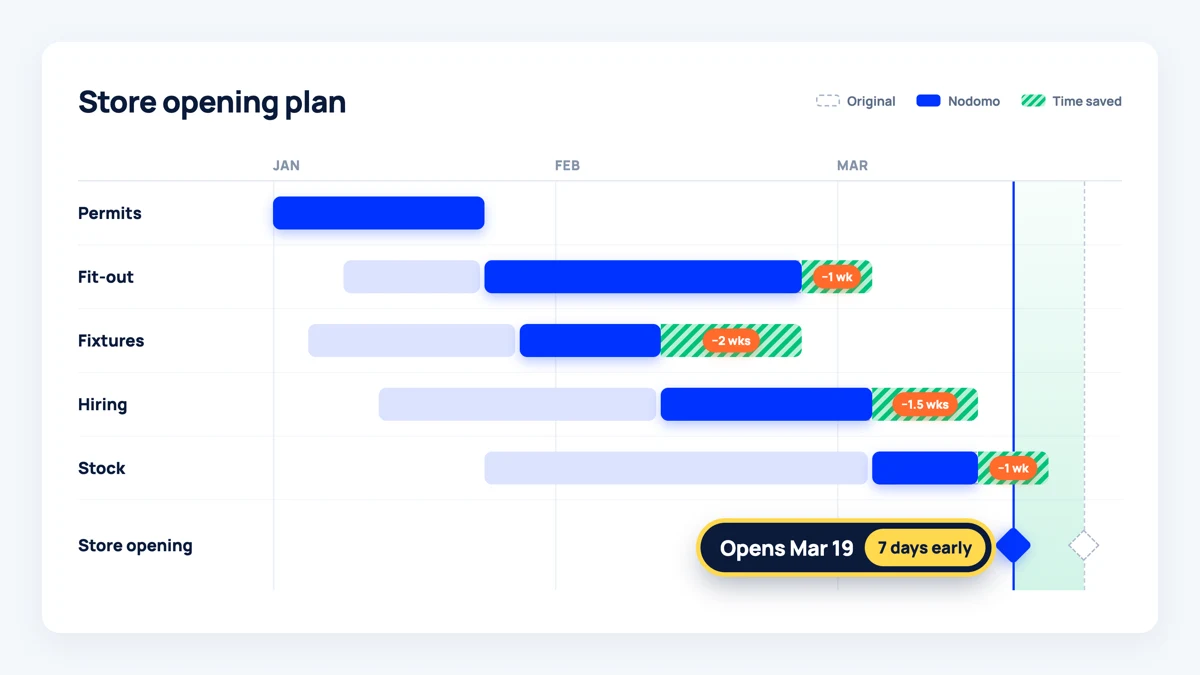
Explore this shared Nodomo product example. Configure the view around your own project.
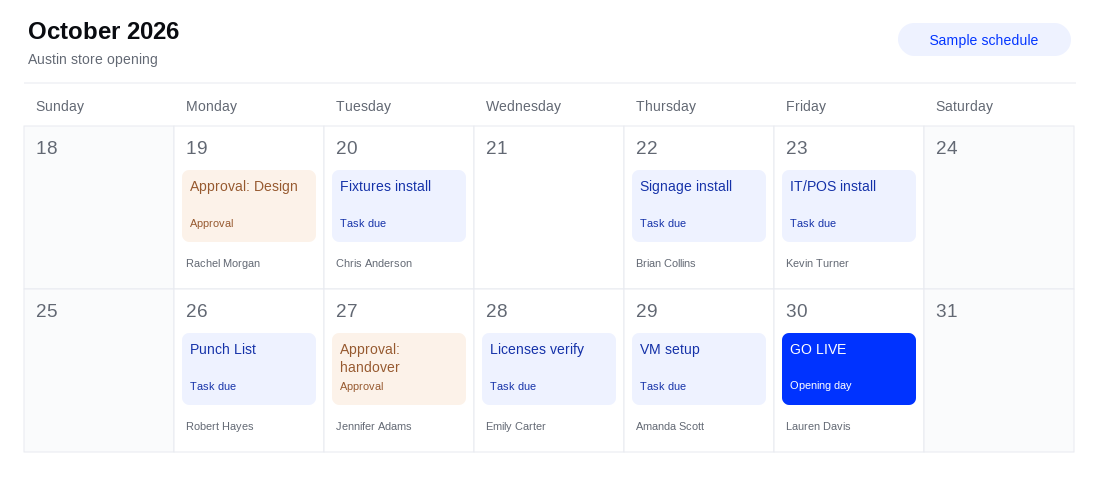
Explore this shared Nodomo product example. Configure the view around your own project.
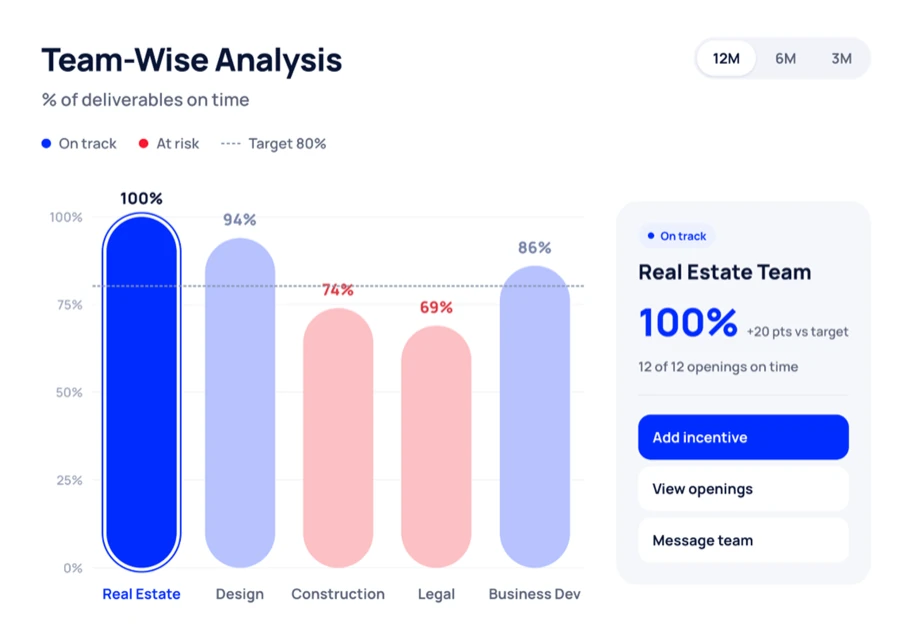
Explore this shared Nodomo product example. Configure the view around your own project.
Operators researching how to start a cloud kitchen or turning a cloud kitchen business plan into reality need a launch checklist that runs physical construction and digital storefront onboarding side by side. A complete cloud kitchen setup checklist covers four core pillars: securing health permits and fire clearances, fitting out commercial gas lines, grease traps, and exhaust hoods, setting up POS and KDS screens alongside Swiggy, Zomato, or UberEats aggregator menus, and running live packaging and dispatch trials.
The fastest way to blow your projected cloud kitchen startup cost is managing construction in one spreadsheet and aggregator onboarding in another. Generic project tools do not enforce readiness gates between site contractors and digital ops teams, leaving you paying rent on a finished kitchen that cannot take orders because aggregator profiles or FSSAI permits are still stuck in review.
Nodomo is built specifically for restaurant and kitchen rollouts. It links your MEP contractors, licensing team, and digital menu managers into one connected workflow so your physical line and delivery apps go live on the same day.
| Launch Stage | Physical & Digital Checklist | Why Nodomo Beats Generic Tools |
|---|---|---|
| 01. Site & Compliance | Lease sign-off, FSSAI or health permits, fire safety clearances, and utility applications. | Tracks regulatory filings alongside site prep so missing permits never block your opening week. |
| 02. Commercial Kitchen Fit-Out | Gas piping, drainage, grease traps, exhaust hood extraction, and stainless-steel line setup. | External MEP contractors upload pressure tests and site photos via no-login mobile links. |
| 03. POS & Aggregator Setup | KDS hardware install, menu photography, packaging POs, and delivery aggregator onboarding. | Runs digital storefront and menu integrations in parallel while contractors finish kitchen works. |
| 04. Kitchen Trials & Go-Live | Raw material stock fill, dry-run ticket dispatch tests, packaging checks, and Go-Live sign-off. | Uses an AND-join gate so live trials only start once permits, KDS, and inventory are all verified. |
Mastering how to open a cloud kitchen at scale comes down to repeatable timing. Whether you are launching your first delivery unit or rolling out virtual brands across 20 locations, Nodomo gives you one portfolio dashboard to track every contractor, permit, and aggregator approval.
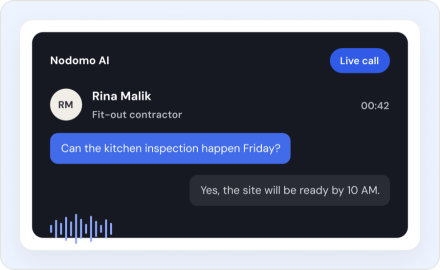
Spot bottlenecks early, let AI follow up with vendors automatically, and start cooking and dispatching orders on schedule.
Take a new restaurant or QSR outlet from licences and fit-out to opening day.
Set up your café, from the first floor plan to the first pour.
Set up or relaunch delivery channels with menus, operations and launch checks aligned.
Yes. Use the starter stages as a starting point, then review the tasks, assign owners, and configure dates and approvals for your process.
Reuse your configured workflow for each project and track progress from the portfolio dashboard.
Yes. Participants can respond to assigned tasks and approvals through task links without signing up or logging in.
Nodomo’s AI-assisted builder can use a spreadsheet to create a draft workflow. Review and refine the tasks and dependencies before starting your project.
Know which projects are on track, where work is stuck, and who needs to move next. Bring every project update into one connected view.
Start your 15-day free trial