Service & Space Planning
1 nodeYour team
Included in this milestone
- Service & space planning
Run licensing, station and wash-unit fit-out, retail stock, stylist hiring and booking setup in one salon launch workflow.
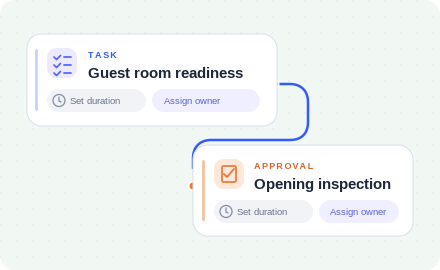
Follow the real process, stage by stage, with the approvals and rework loops that keep it honest.
Drag to explore · Scroll to zoom · Click a step to focus
Explore the milestones and the work included in each stage of your project.
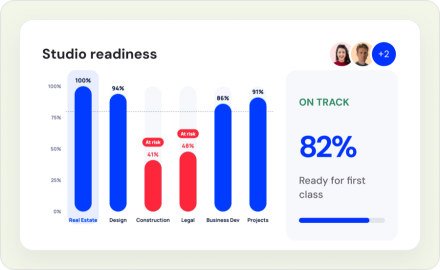
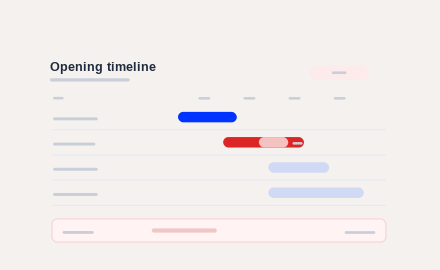
Plan timelines, follow your workflow, and monitor progress. Explore the existing product visuals below.
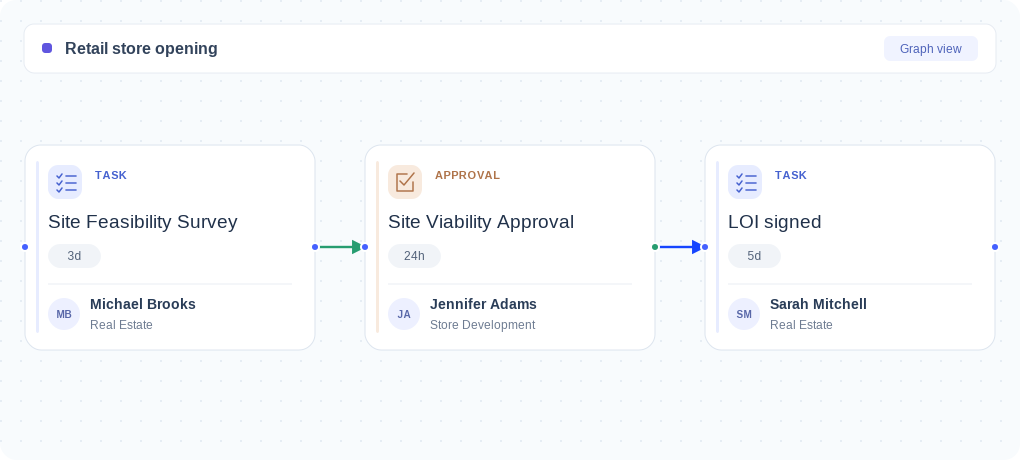
Explore this shared Nodomo product example. Configure the view around your own project.
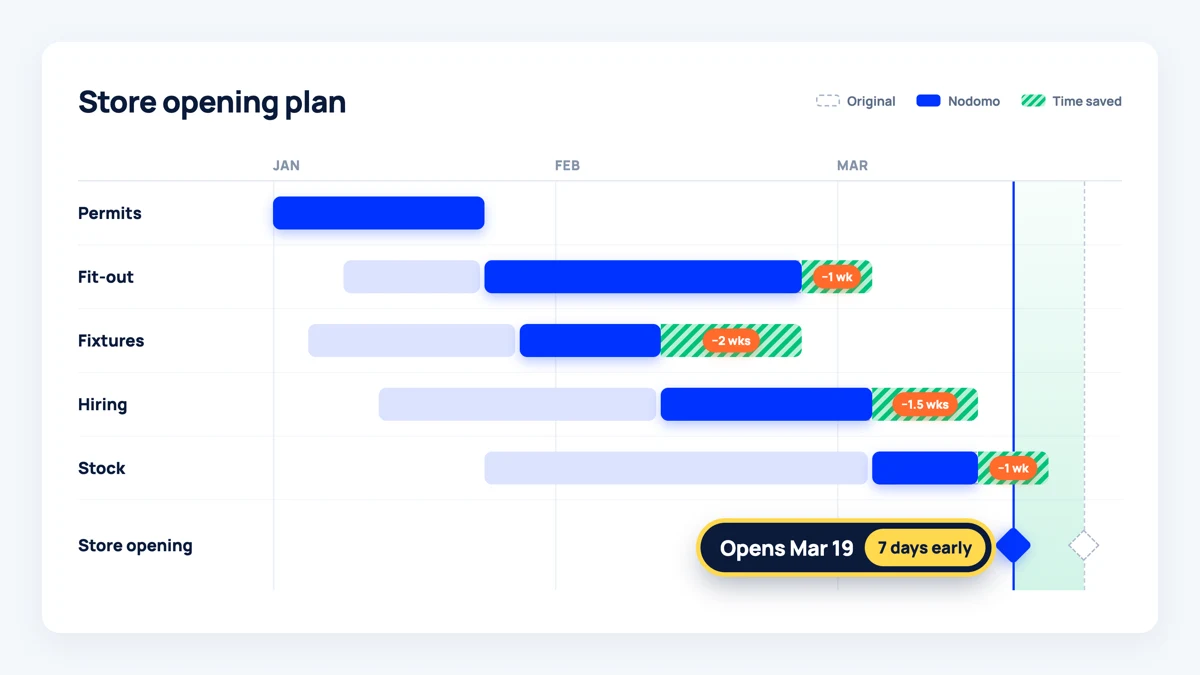
Explore this shared Nodomo product example. Configure the view around your own project.
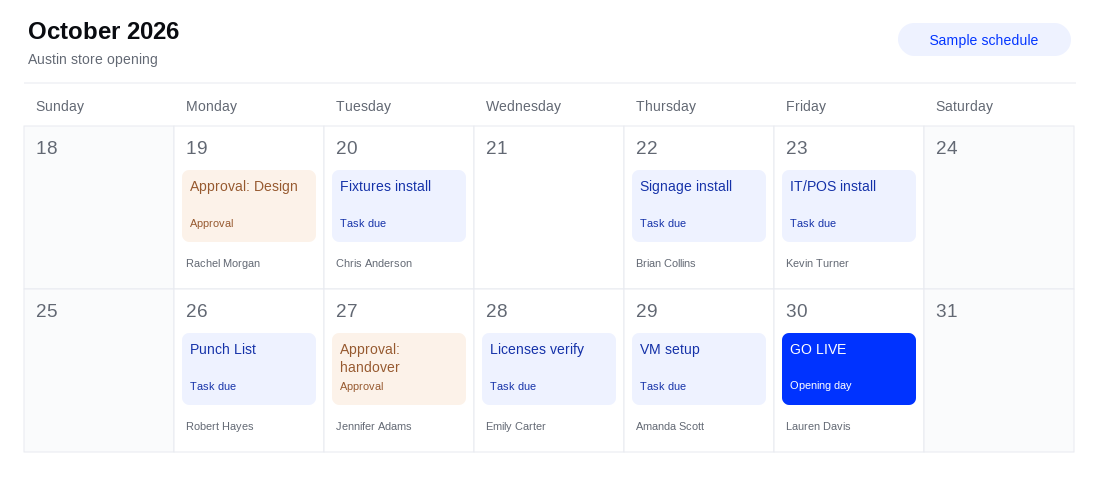
Explore this shared Nodomo product example. Configure the view around your own project.
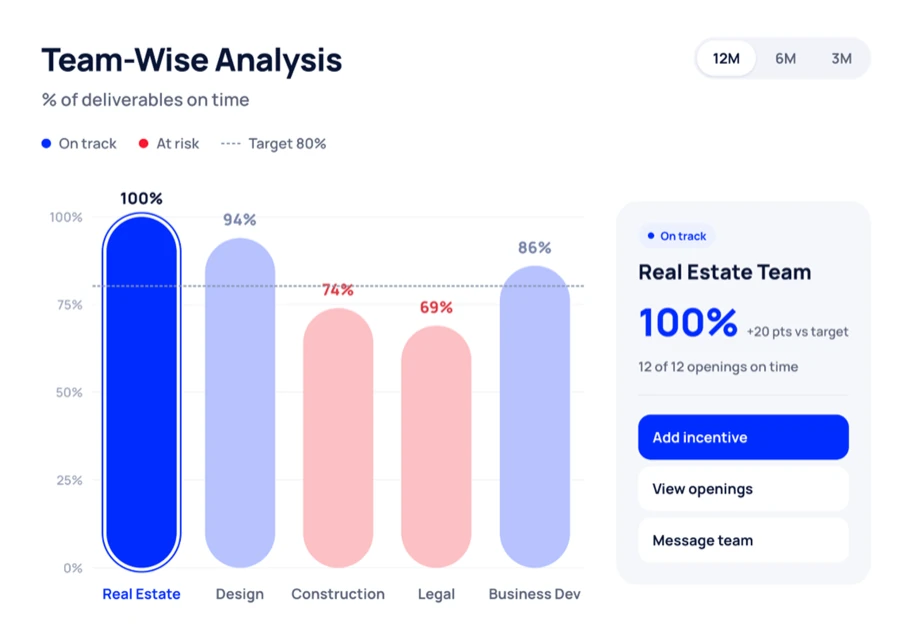
Explore this shared Nodomo product example. Configure the view around your own project.
A salon launch depends on plumbing, licensing and people in roughly equal measure. Wash units need the MEP work finished, health licensing needs filing early, and stylists need to be hired and trained on a service menu that already has prices.
This template runs all three tracks together with a hygiene walkthrough and a readiness gate before the first booking is taken.
| Workflow stage | Steps included | Why Nodomo beats generic tools |
|---|---|---|
| 01. Site & licensing | Site survey and lease sign-off, Health and trade licence filing, Site and budget sign-off. | Health and trade licensing starts with the lease instead of in the final week. |
| 02. Fit-out & stock | Stations, wash units and MEP fit-out, Retail and back-bar stock order, Hygiene and snag walkthrough, Handover sign-off. | Fit-out and back-bar stock ordering run in parallel against one budget approval. |
| 03. Team & opening | Stylist hiring and service training, Booking system and price list setup, Launch readiness gate, Salon open for clients. | A hygiene and snag walkthrough has to pass before handover to the salon team. |
A salon that opens without its booking system live loses the week it most needed. Treat the member-facing setup as a launch task with an owner and a date.
Reuse the workflow for the next studio and track both from one dashboard.
Yes. Use the starter stages as a starting point, then review the tasks, assign owners, and configure dates and approvals for your process.
Reuse your configured workflow for each project and track progress from the portfolio dashboard.
Yes. Participants can respond to assigned tasks and approvals through task links without signing up or logging in.
Nodomo’s AI-assisted builder can use a spreadsheet to create a draft workflow. Review and refine the tasks and dependencies before starting your project.
Know which projects are on track, where work is stuck, and who needs to move next. Bring every project update into one connected view.
Start your 15-day free trial