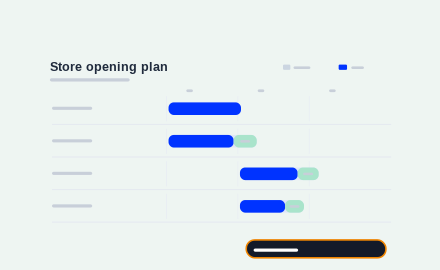
Capacity & Layout Planning
1 nodeYour team
Included in this milestone
- Capacity & layout planning
Connect capacity planning, racking and utility installations, WMS setup, and safety handovers in one warehouse workflow.
Follow the real process, stage by stage, with the approvals and rework loops that keep it honest.
Drag to explore · Scroll to zoom · Click a step to focus
Explore the milestones and the work included in each stage of your project.
Plan timelines, follow your workflow, and monitor progress. Explore the existing product visuals below.
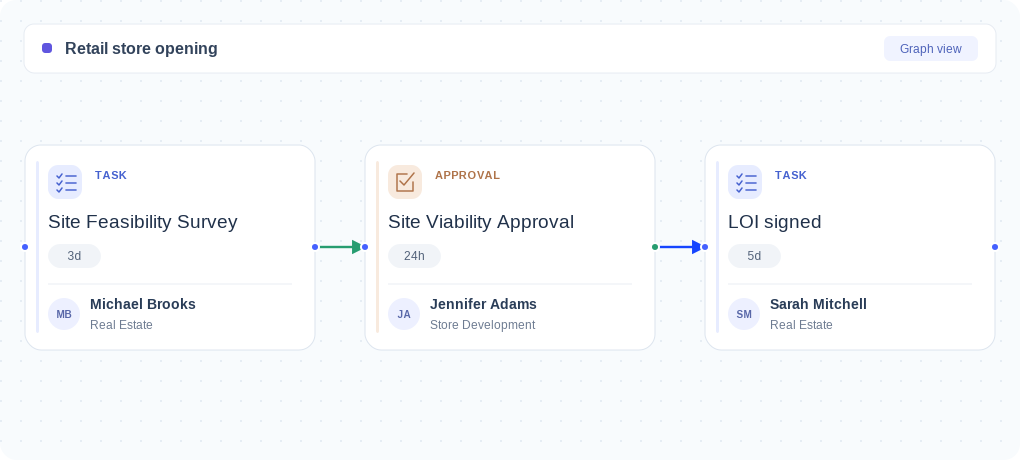
Explore this shared Nodomo product example. Configure the view around your own project.
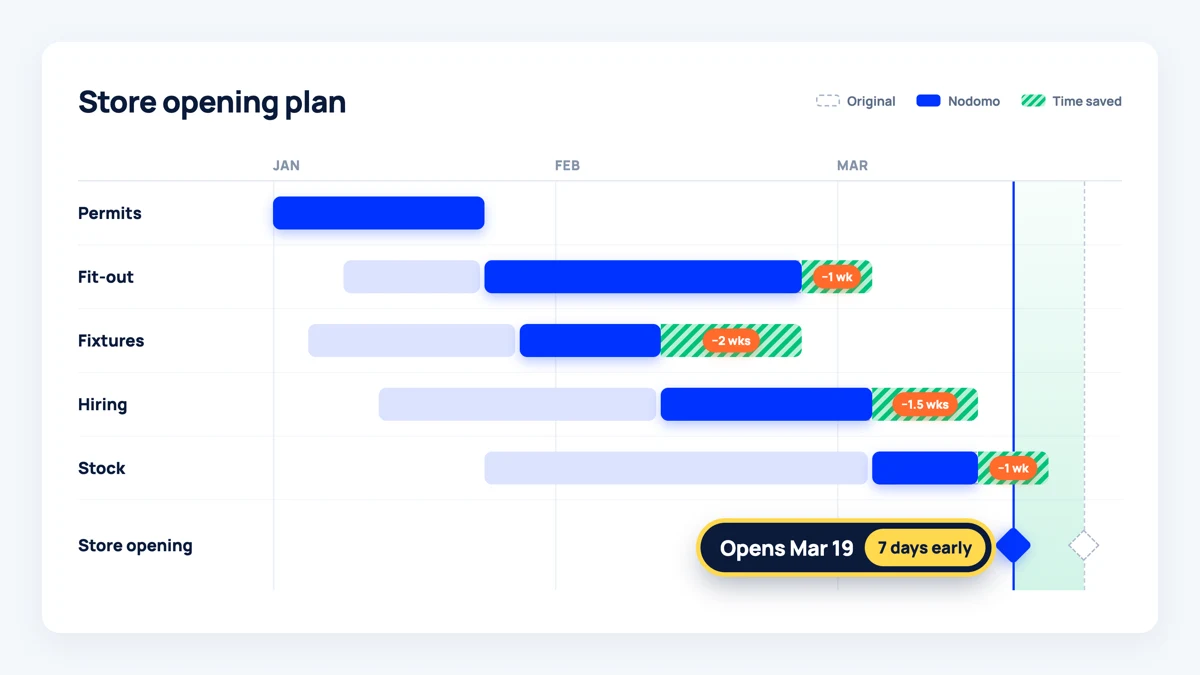
Explore this shared Nodomo product example. Configure the view around your own project.
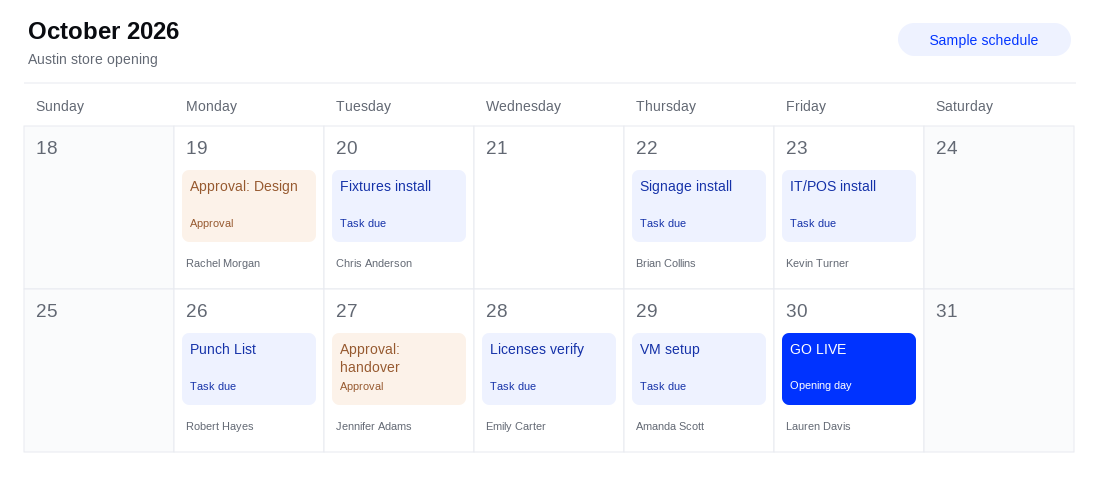
Explore this shared Nodomo product example. Configure the view around your own project.
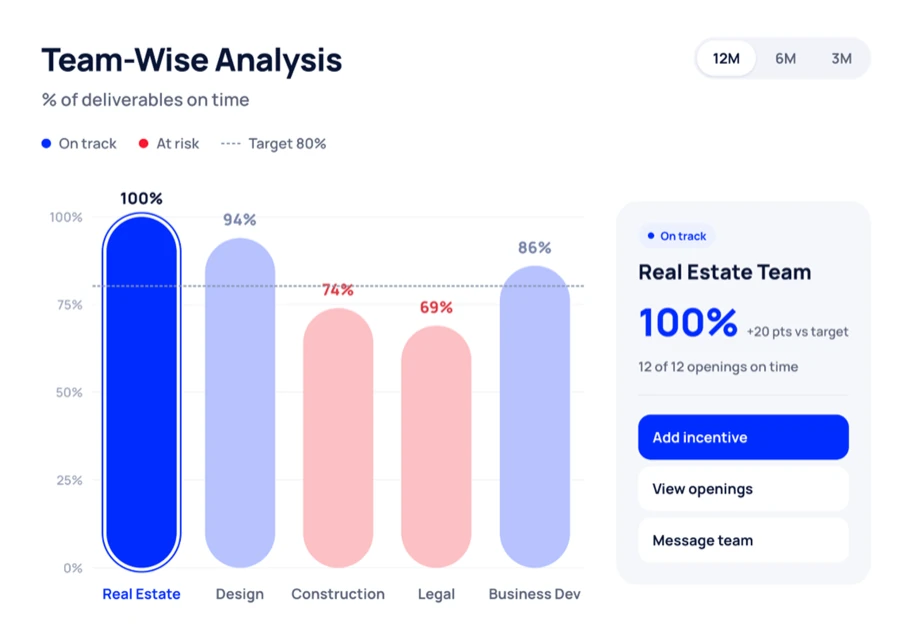
Explore this shared Nodomo product example. Configure the view around your own project.
When you are setting up a warehouse or distribution center, a thorough warehouse setup checklist keeps your physical construction and tech systems aligned. A complete warehouse project plan covers four major phases: capacity and aisle layout planning, high-bay pallet racking and dock leveler installation, executing your warehouse management system project plan (Wi-Fi heatmapping, RF scanners, and rack barcoding), and passing final OSHA and fire safety inspections.
Most teams track contractors in Excel or MS Project while IT manages the WMS rollout in a separate ticketing tool. The problem is that generic tools do not connect field contractors with your internal IT and ops teams. If concrete sealing or racking installation slips by five days, your IT crew shows up to label racks that have not been bolted down yet.
Nodomo is built specifically for physical site launches and commercial rollouts. It links your racking contractors, MEP trades, and WMS integrators into one live warehouse setup workflow so every handoff happens on time.
| Setup Stage | Engineering & Ops Checklist | Why Nodomo Beats Generic Tools |
|---|---|---|
| 01. Capacity & Layout Planning | Finalize storage capacity, aisle widths, dock flow, and floor striping plans. | Locks in layout sign-offs before racking orders or contractor schedules are triggered. |
| 02. Racking & Utility Install | Install pallet racking, dock levelers, lighting, power, and fire suppression systems. | External racking and MEP contractors update task progress via no-login links right from the site. |
| 03. Systems & Team Setup | Configure WMS software, RF barcode scanners, Wi-Fi coverage, and warehouse staff hiring. | Automatically notifies IT and HR to start system testing as soon as physical racking passes inspection. |
| 04. Safety Review & Handover | Verify load signage, forklift certifications, fire checks, and test-order picking. | Gates final operational handover behind formal safety approvals, routing rework if issues are found. |
Every week a new warehouse sits uncommissioned, costs you dead lease payments and delayed supply chain capacity. Whether you are launching a new fulfillment hub or adapting this template as a warehouse relocation project plan, Nodomo keeps every vendor and milestone visible.
View your entire facility rollout across Gantt and Calendar timelines, let AI follow up on overdue contractor tasks, and receive your first inbound pallet on schedule.
Yes. Use the starter stages as a starting point, then review the tasks, assign owners, and configure dates and approvals for your process.
Reuse your configured workflow for each project and track progress from the portfolio dashboard.
Yes. Participants can respond to assigned tasks and approvals through task links without signing up or logging in.
Nodomo’s AI-assisted builder can use a spreadsheet to create a draft workflow. Review and refine the tasks and dependencies before starting your project.
Know which projects are on track, where work is stuck, and who needs to move next. Bring every project update into one connected view.
Start your 15-day free trial