APPROVAL
Final activation sign-off
Sarah MitchellProcurement
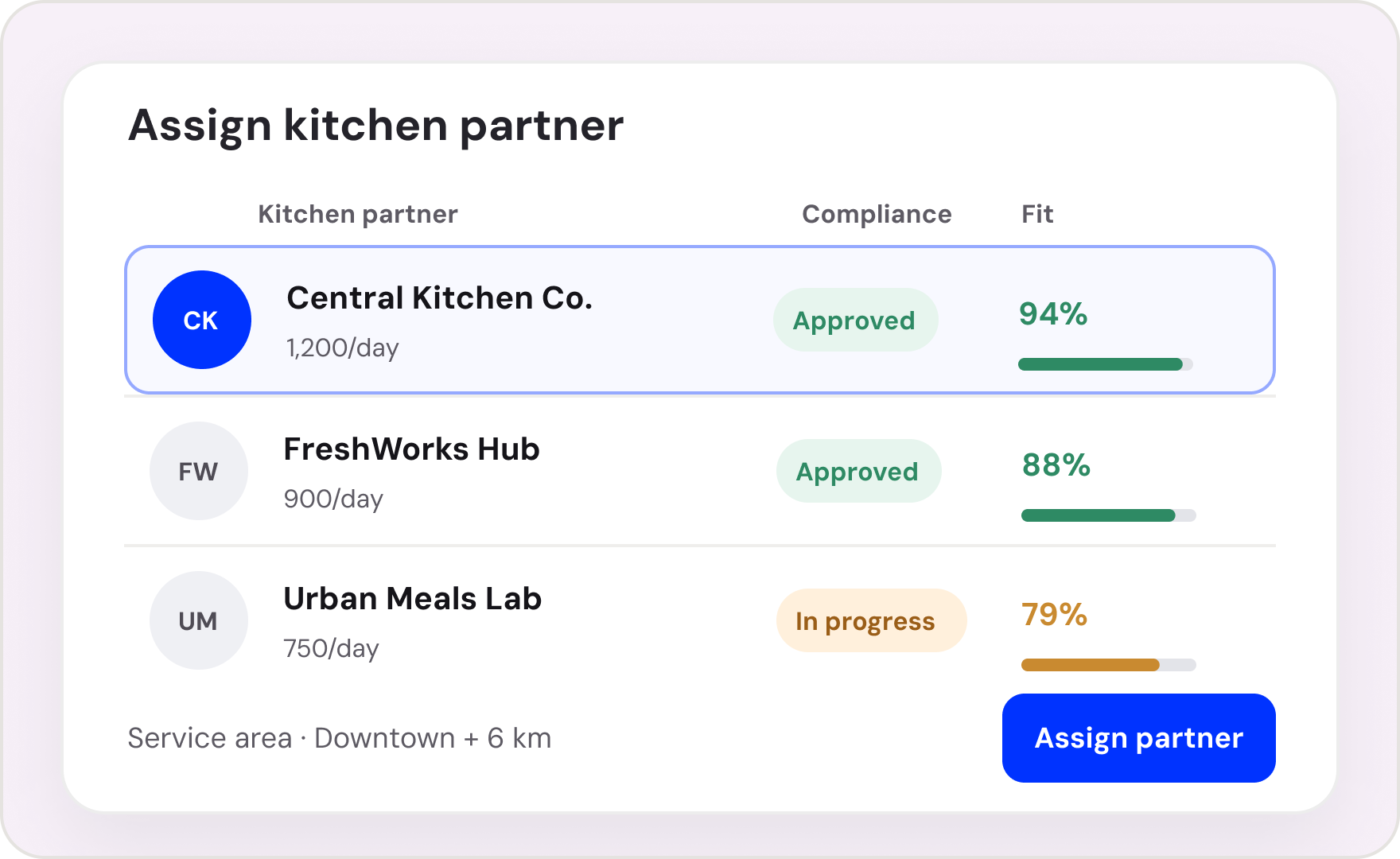
Qualify ingredient suppliers and confirm product, safety and delivery requirements. Start with a connected workflow, coordinate teams and vendors, and tailor the process to your project.
Explore the tasks, approvals and handoffs in this workflow.
Explore the milestones and the work included in each stage of your project.
Plan timelines, follow your workflow, and monitor progress. Explore the existing product visuals below.
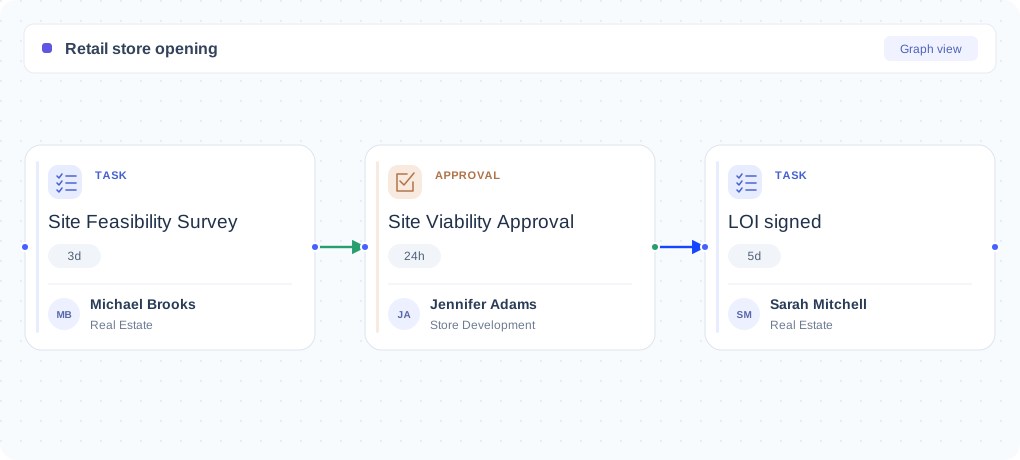
Explore this shared Nodomo product example. Configure the view around your own project.
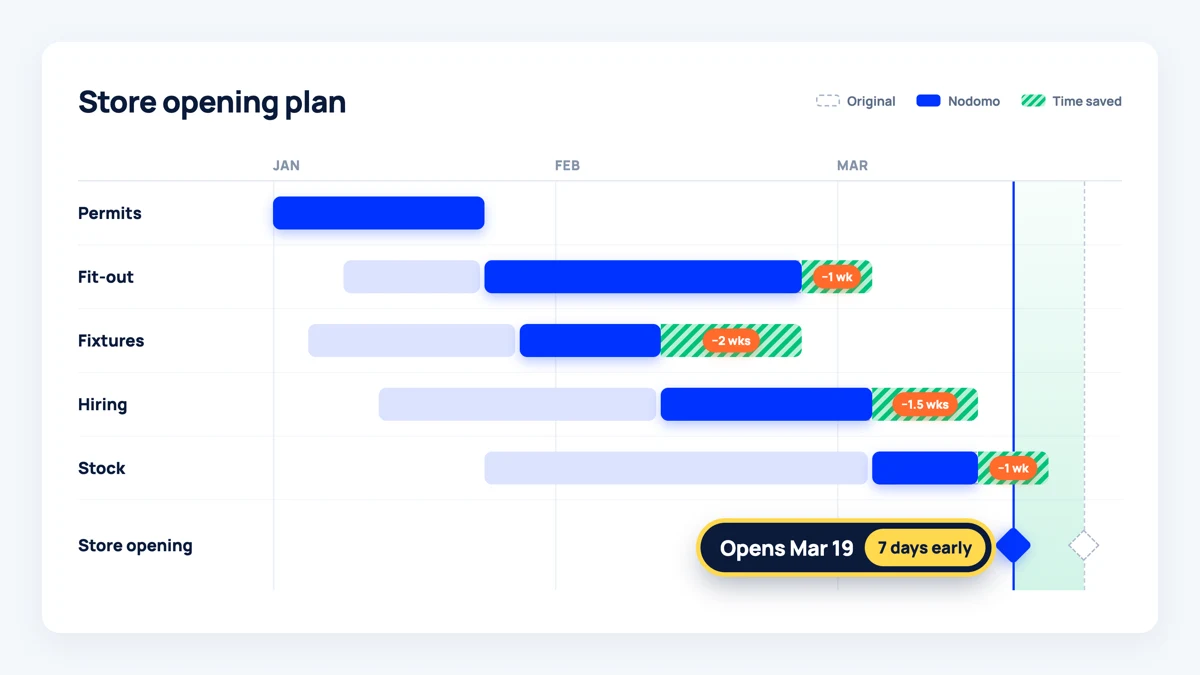
Explore this shared Nodomo product example. Configure the view around your own project.
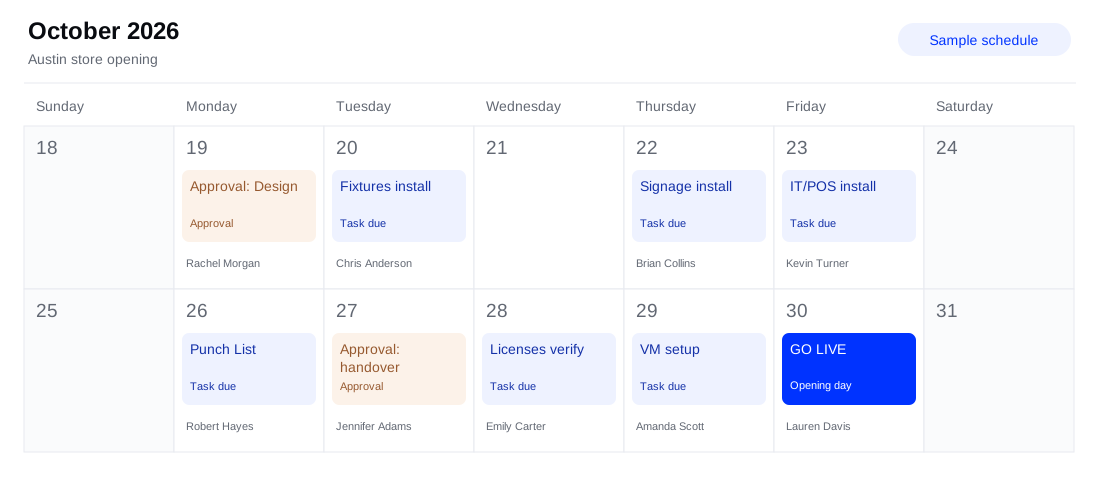
Explore this shared Nodomo product example. Configure the view around your own project.
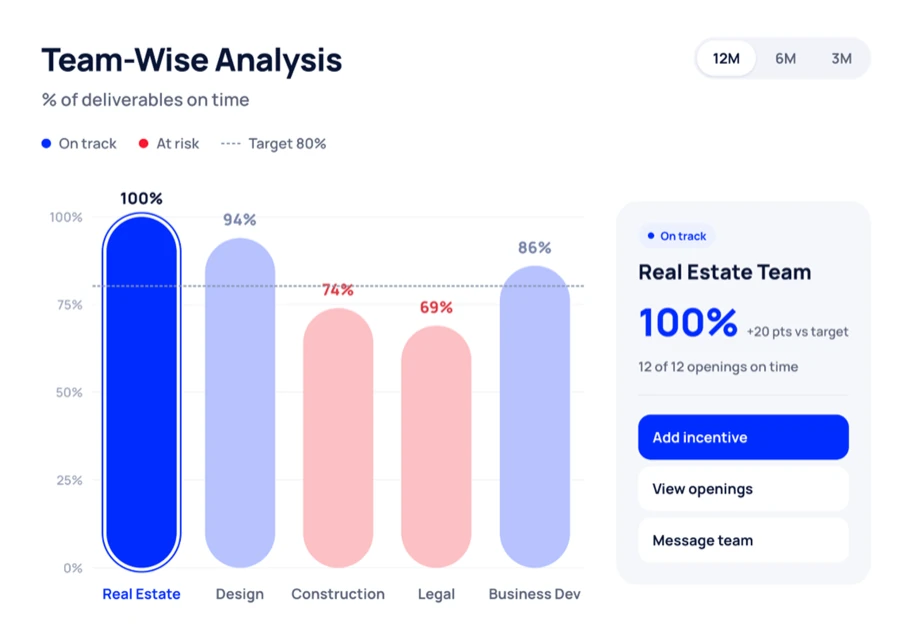
Explore this shared Nodomo product example. Configure the view around your own project.
Start with a ready-made process and let Nodomo handle the coordination as your project moves forward.
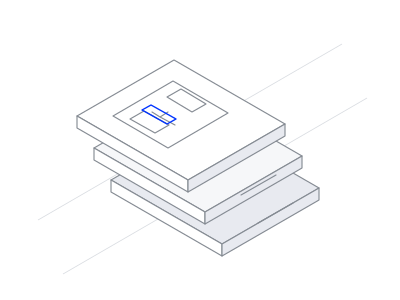
Skip the blank canvas. Begin with a structured starter and adapt it to your company’s needs.
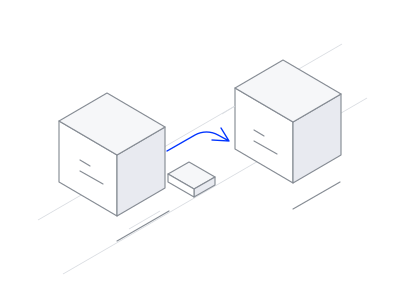
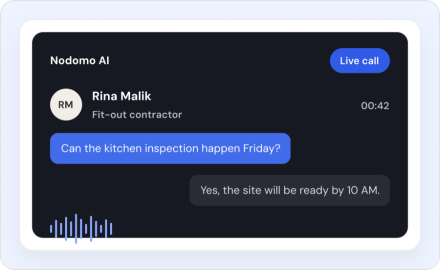
When a task or approval is completed, Nodomo can notify the next people responsible.
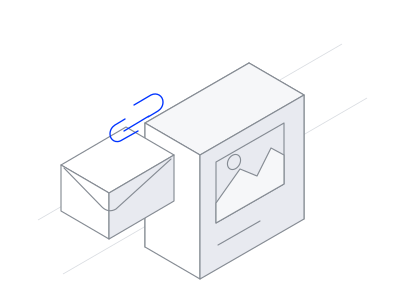
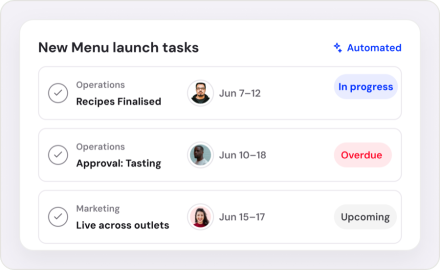
Follow completed work, pending approvals, and overdue activities in one place.
Coordinate recipe approvals, menu updates and rollout across every outlet.
Set up your café, from the first floor plan to the first pour.
Build a delivery-ready kitchen with a clear path to launch.
Set up or relaunch delivery channels with menus, operations and launch checks aligned.
Yes. Use the starter stages as a starting point, then review the tasks, assign owners, and configure dates and approvals for your process.
Reuse your configured workflow for each project and track progress from the portfolio dashboard.
Yes. Participants can respond to assigned tasks and approvals through task links without signing up or logging in.
Nodomo’s AI-assisted builder can use a spreadsheet to create a draft workflow. Review and refine the tasks and dependencies before starting your project.
Know which projects are on track, where work is stuck, and who needs to move next. Bring every project update into one connected view.
Start your 15-day free trial