Plan
1 nodeYour team
Included in this milestone
- Define the outcome and milestones
A short example showing how tasks, approvals, rework loops and link-based participants fit together before you build your own.
Follow the real process, stage by stage, with the approvals and rework loops that keep it honest.
Drag to explore · Scroll to zoom · Click a step to focus
Explore the milestones and the work included in each stage of your project.
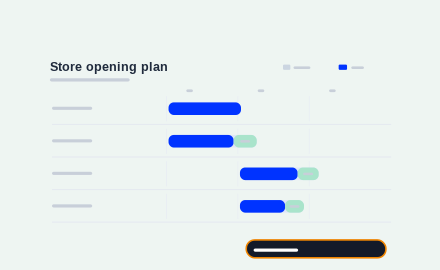
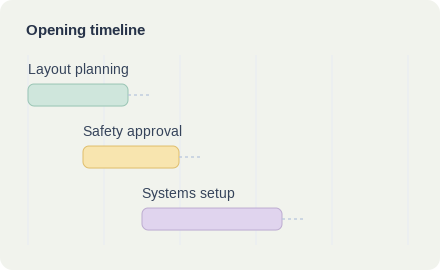
Plan timelines, follow your workflow, and monitor progress. Explore the existing product visuals below.
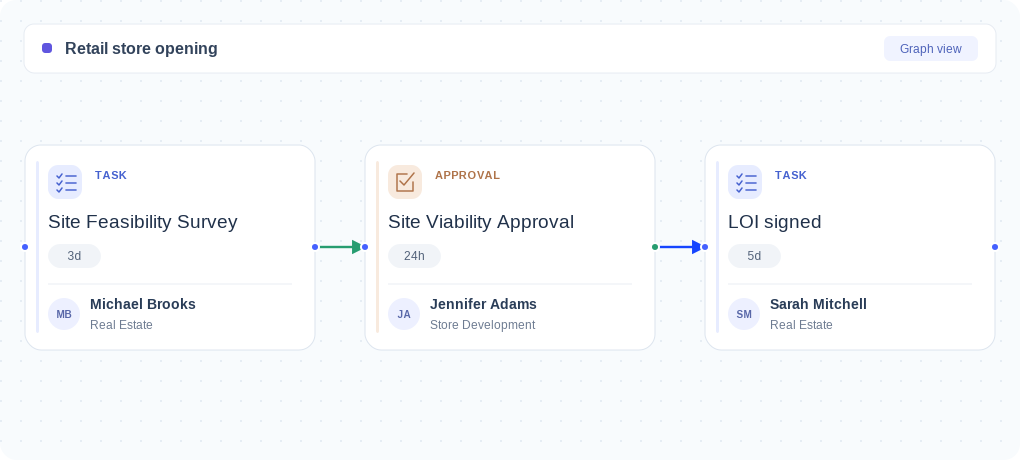
Explore this shared Nodomo product example. Configure the view around your own project.
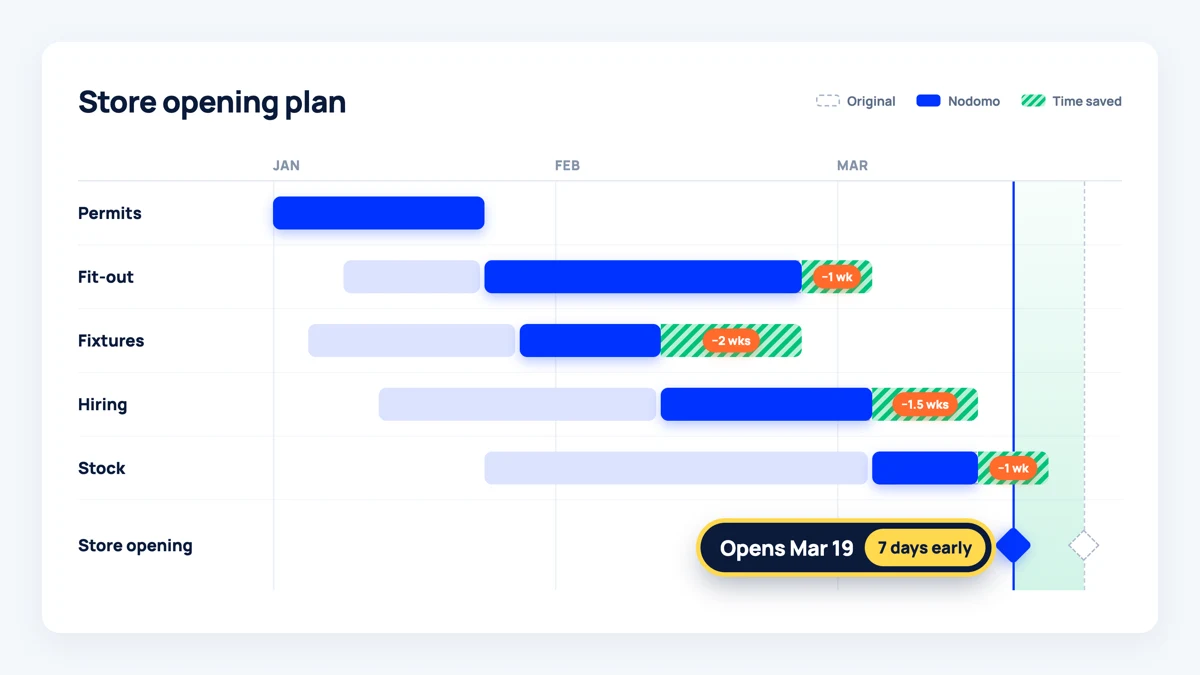
Explore this shared Nodomo product example. Configure the view around your own project.
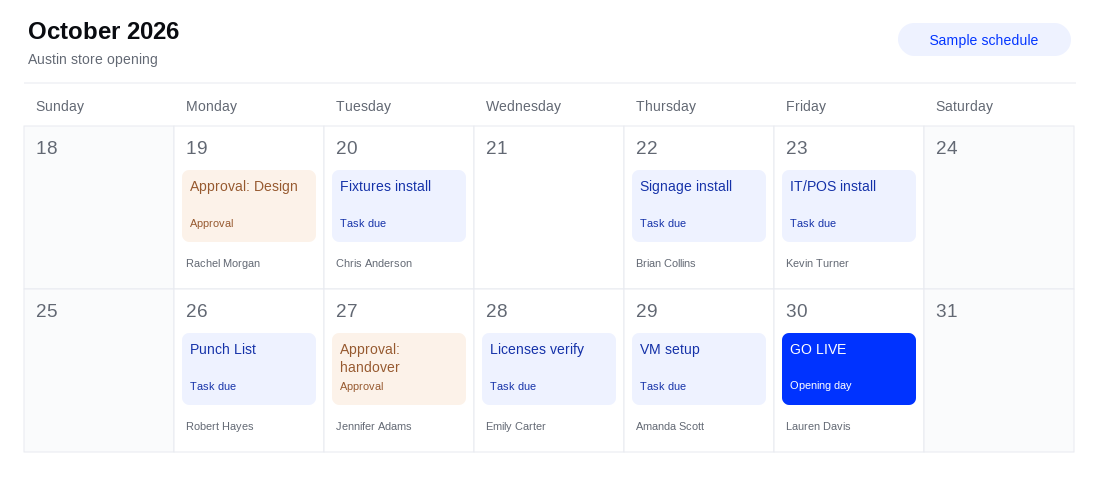
Explore this shared Nodomo product example. Configure the view around your own project.
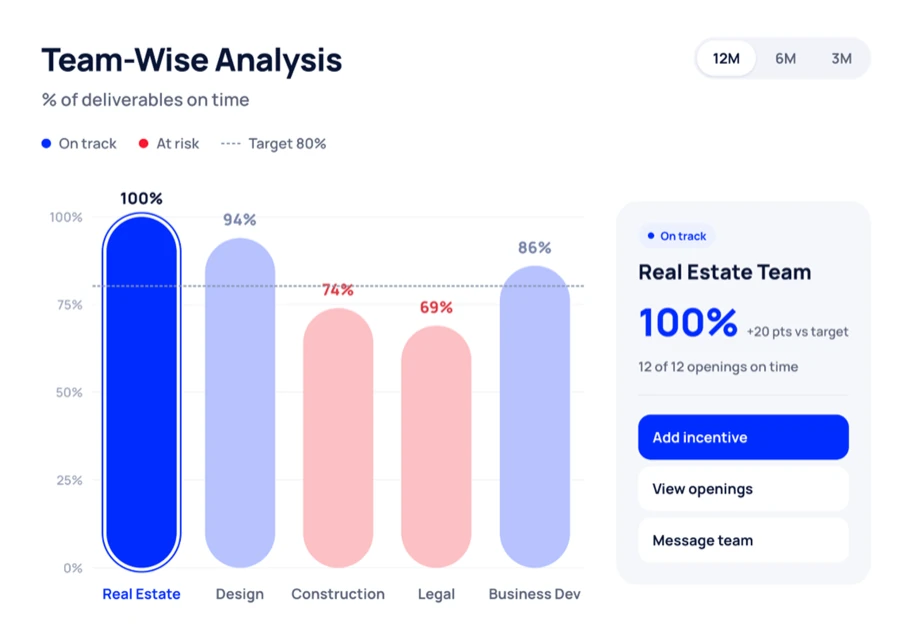
Explore this shared Nodomo product example. Configure the view around your own project.
This is a deliberately small workflow for learning the building blocks: a trigger, tasks with owners and durations, an approval gate, a rework loop that sends declined work back, and a participant who takes part through a link without an account.
Use it to see how the pieces connect, then copy it and replace the steps with your own process.
| Workflow stage | Steps included | Why Nodomo beats generic tools |
|---|---|---|
| 01. Start the work | Collect the project brief, Assign owners and dates, Plan approval. | A trigger starts the work and assigns the first task automatically. |
| 02. Do the work | Internal team task, External vendor task via link, Upload evidence and photos, Quality check. | Approval gates stop the flow until someone with authority decides. |
| 03. Close the work | Final checklist completed, Completion sign-off, Workflow complete. | A decline routes a rework task back to the exact step that needs redoing. |
Every other template on this site is the same four building blocks arranged around a real process. Once this one makes sense, the rest are variations.
Copy it, rename the steps, and start from something that already runs.
Yes. Use the starter stages as a starting point, then review the tasks, assign owners, and configure dates and approvals for your process.
Reuse your configured workflow for each project and track progress from the portfolio dashboard.
Yes. Participants can respond to assigned tasks and approvals through task links without signing up or logging in.
Nodomo’s AI-assisted builder can use a spreadsheet to create a draft workflow. Review and refine the tasks and dependencies before starting your project.
Know which projects are on track, where work is stuck, and who needs to move next. Bring every project update into one connected view.
Start your 15-day free trial