Plan the Reset
1 nodeYour team
Included in this milestone
- Confirm the Q2 refresh scope
Coordinate the reset across store layout, shelf planograms, inventory replenishment, signage, and final walkthroughs.
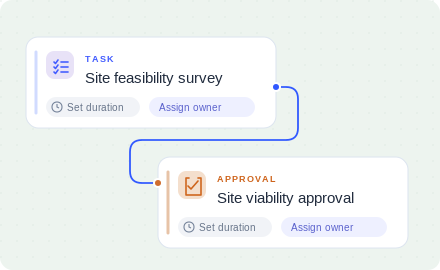
Follow the real process, stage by stage, with the approvals and rework loops that keep it honest.
Drag to explore · Scroll to zoom · Click a step to focus
Explore the milestones and the work included in each stage of your project.
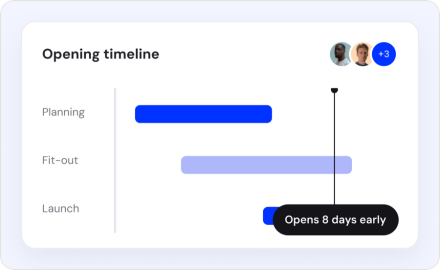
Plan timelines, follow your workflow, and monitor progress. Explore the existing product visuals below.
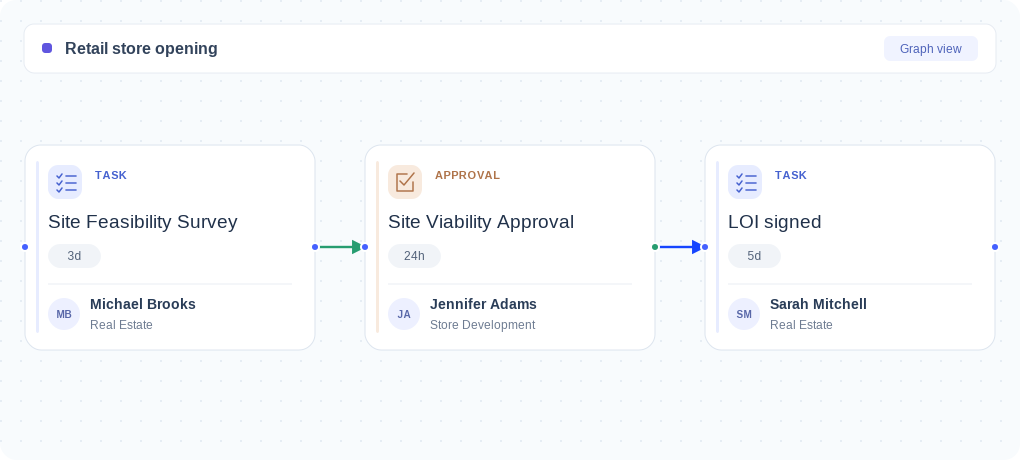
Explore this shared Nodomo product example. Configure the view around your own project.
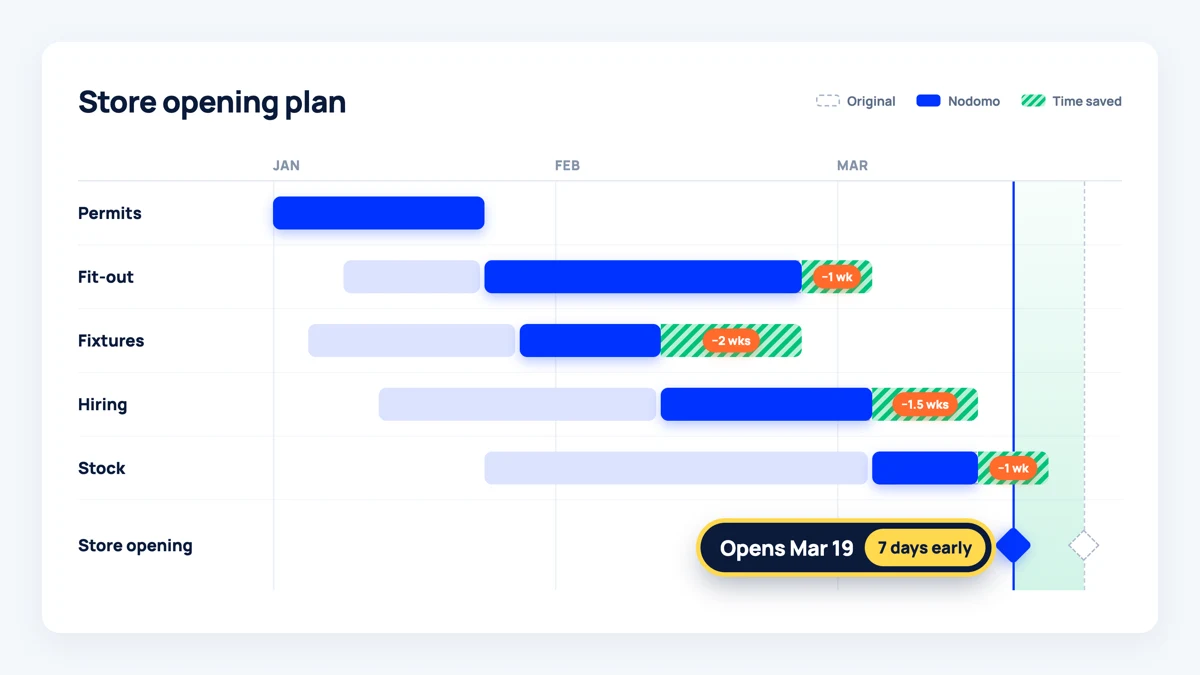
Explore this shared Nodomo product example. Configure the view around your own project.
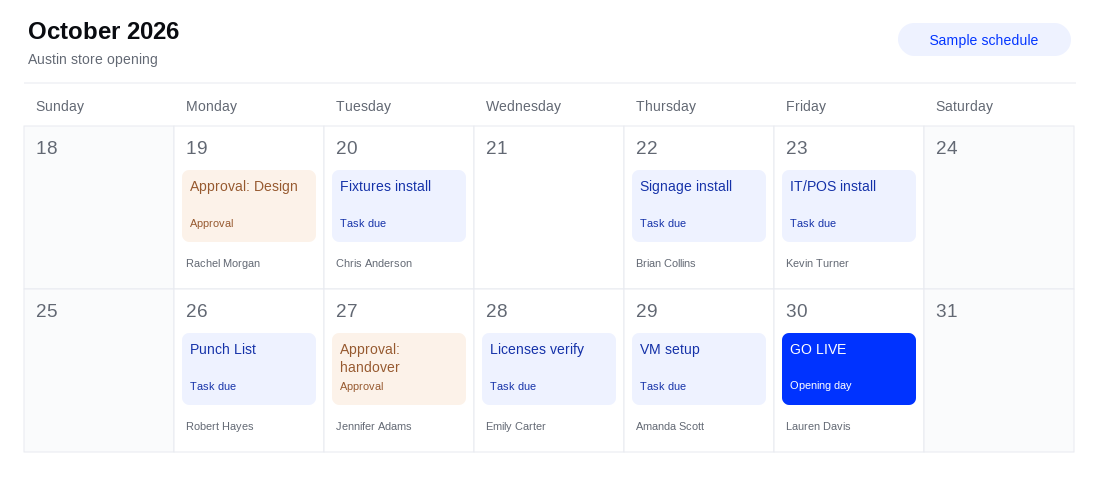
Explore this shared Nodomo product example. Configure the view around your own project.
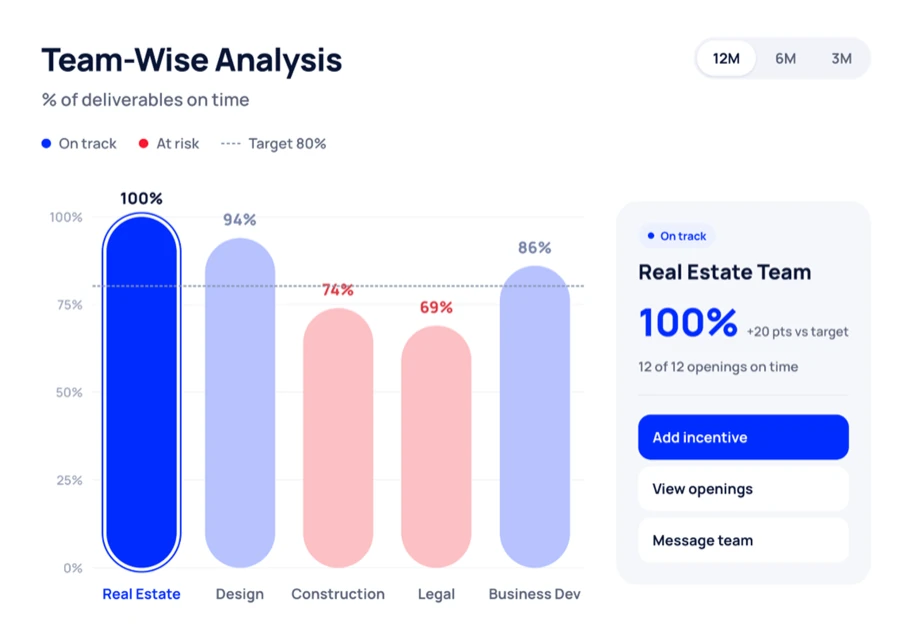
Explore this shared Nodomo product example. Configure the view around your own project.
A complete merchandising reset checklist coordinates everything required to transition an aisle or category to a new schematic without disrupting shoppers. To master retail store reset logistics and seasonal retail reset logistics, your checklist has to align four steps: locking in the new bay planograms, adjusting gondola shelving and price signage on the floor, pulling backroom stock and new vendor deliveries, and passing a final store walkthrough.
When retailers try to run multi-location retail resets using emailed PDFs, spreadsheets, or generic task trackers, the sequence breaks down on the shop floor. Night crews strip the shelves before the new SKU inventory has arrived at the receiving dock, leaving empty facings and wrong price tags. Plus, external merchandising vendors cannot easily update your internal spreadsheets.
Nodomo is built specifically for multi-site retail execution. It links floor prep, stock replenishment, and photo walkthroughs into one dependency-driven workflow where no step starts prematurely.
| Reset Stage | Store & Merchandising Checklist | Why Nodomo Beats Generic Tools |
|---|---|---|
| 01. Plan the Reset | Confirm the quarterly refresh scope, bay schematics, and store execution schedule. | Aligns category managers and store ops on exact dates before any night-crew work starts. |
| 02. Prepare the Floor | Adjust gondola shelving, remove discontinued items, and update shelf-edge signage. | Internal crews or third-party reset vendors receive mobile task instructions without needing a login. |
| 03. Replenish Inventory | Coordinate backroom stock pulls and direct-store vendor deliveries for new SKUs. | Triggers stock replenishment automatically as soon as floor and shelf prep is marked complete. |
| 04. Final Walkthrough | Verify planogram reset compliance, price tags, and clean aisles before sign-off. | District managers review aisle photos and trigger instant rework if facings or price strips are wrong. |
When you are rolling out category updates across 50 or 100 supermarkets, you should not have to wait weeks for a post-reset audit to find out which stores missed the mark.
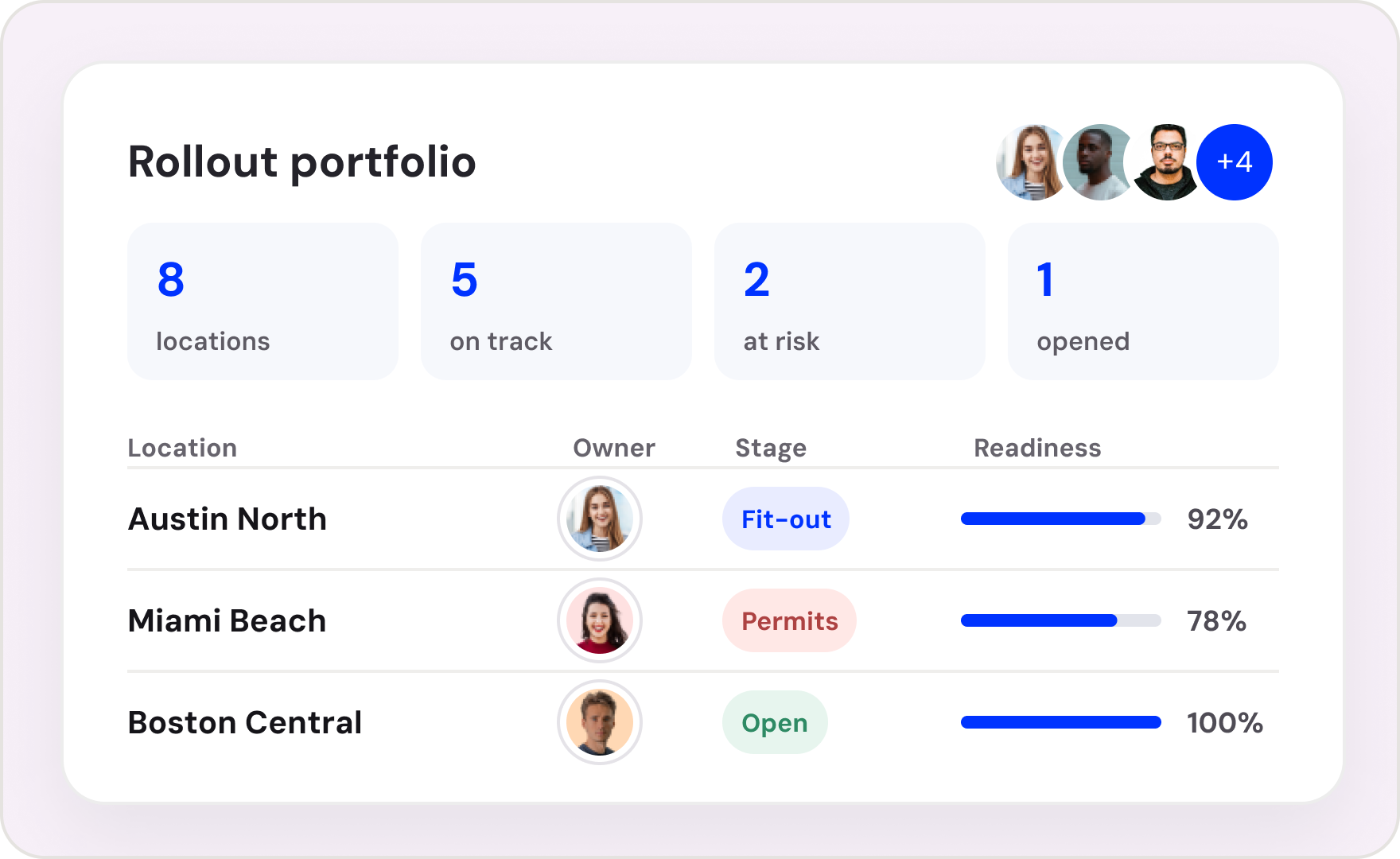
Nodomo gives your operations team a live Portfolio Dashboard showing which stores have prepped their floors, where inventory is delayed, and which aisles have passed their final walkthrough.
Take a store from site selection to opening day.
Keep multiple locations moving through a consistent plan.
Turn a short-term space into a ready-to-trade store.
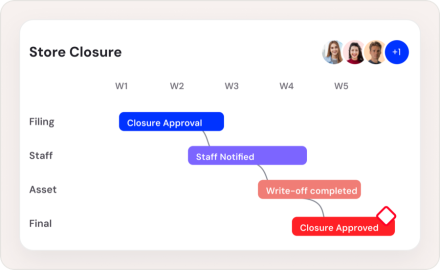
Coordinate approvals, staff communication, asset write-offs and a clear final sign-off.
Yes. Use the starter stages as a starting point, then review the tasks, assign owners, and configure dates and approvals for your process.
Reuse your configured workflow for each project and track progress from the portfolio dashboard.
Yes. Participants can respond to assigned tasks and approvals through task links without signing up or logging in.
Nodomo’s AI-assisted builder can use a spreadsheet to create a draft workflow. Review and refine the tasks and dependencies before starting your project.
Know which projects are on track, where work is stuck, and who needs to move next. Bring every project update into one connected view.
Start your 15-day free trial