Portfolio & Location Planning
1 nodeYour team
Included in this milestone
- Portfolio & location planning
Plan the site list, run parallel fit-outs and sign off each location against the same standard in one rollout workflow.
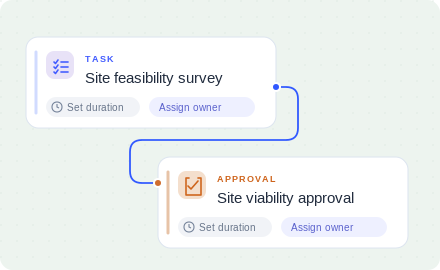
Follow the real process, stage by stage, with the approvals and rework loops that keep it honest.
Drag to explore · Scroll to zoom · Click a step to focus
Explore the milestones and the work included in each stage of your project.
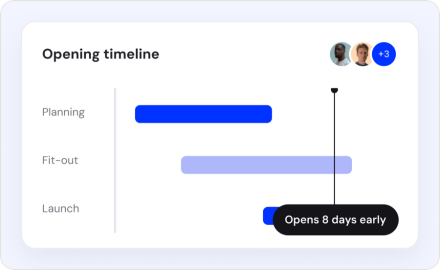
Plan timelines, follow your workflow, and monitor progress. Explore the existing product visuals below.
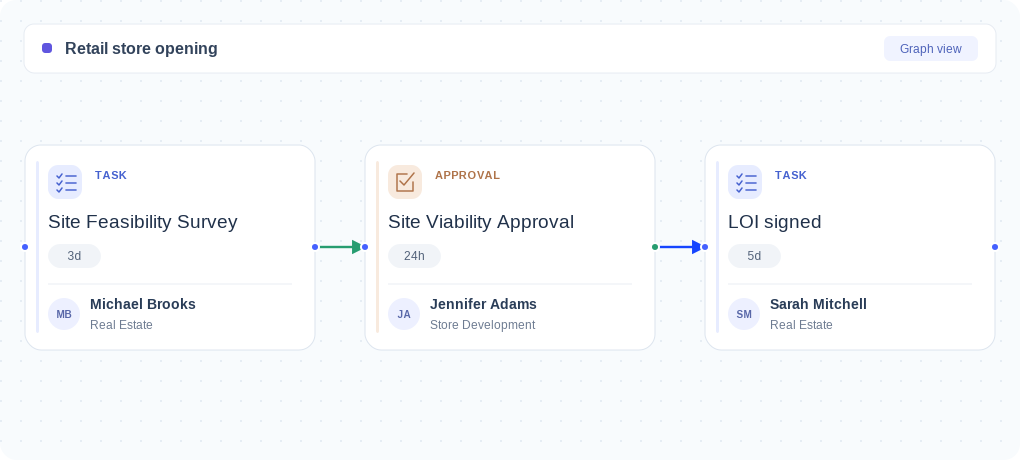
Explore this shared Nodomo product example. Configure the view around your own project.
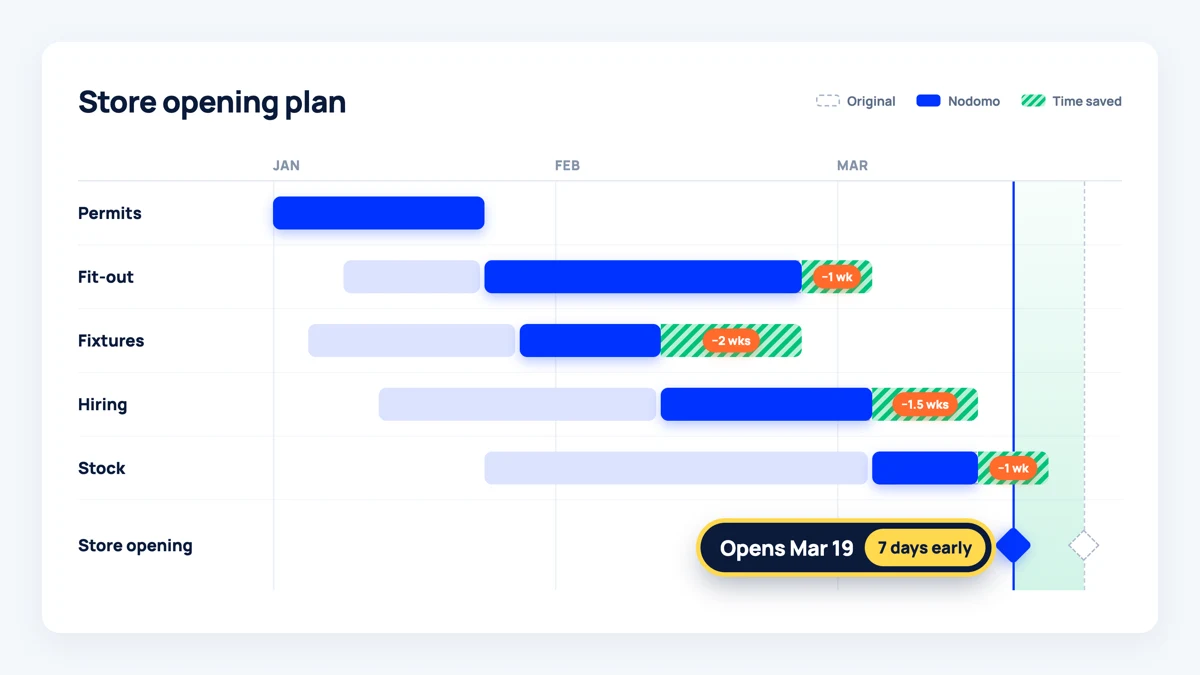
Explore this shared Nodomo product example. Configure the view around your own project.
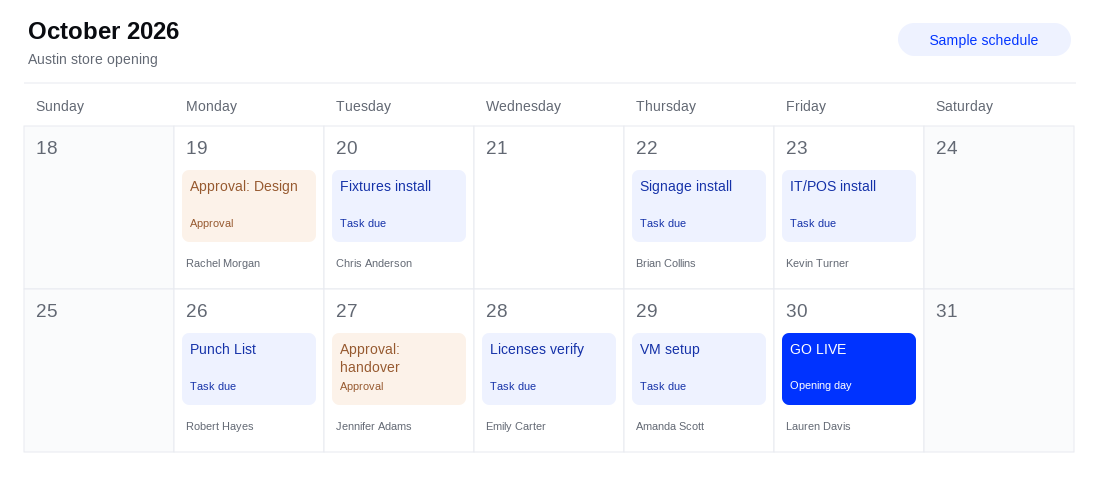
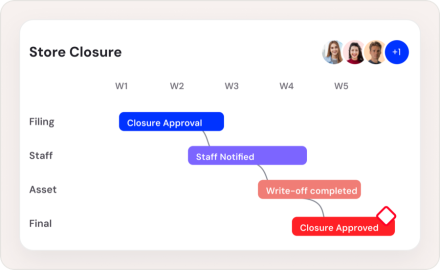
Explore this shared Nodomo product example. Configure the view around your own project.
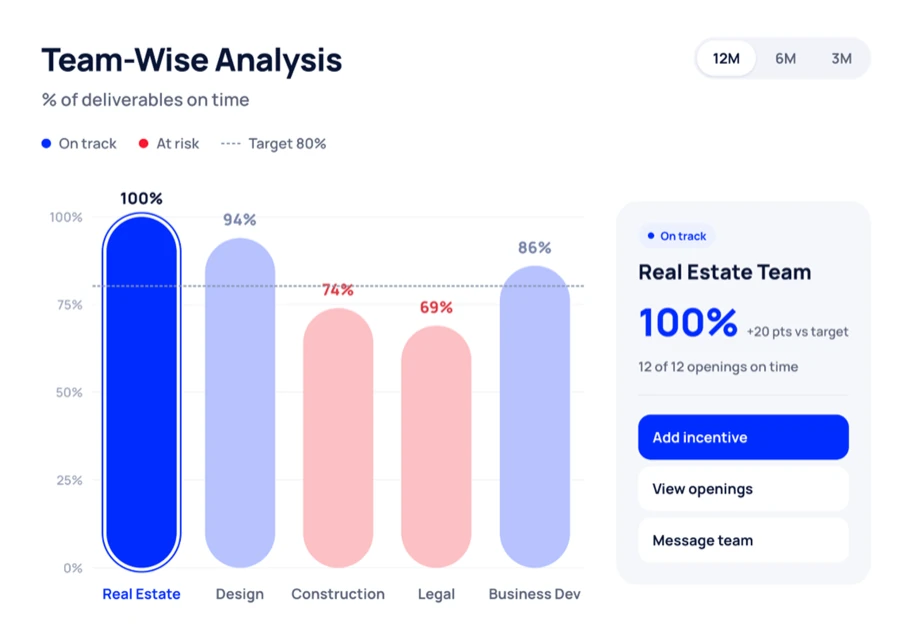
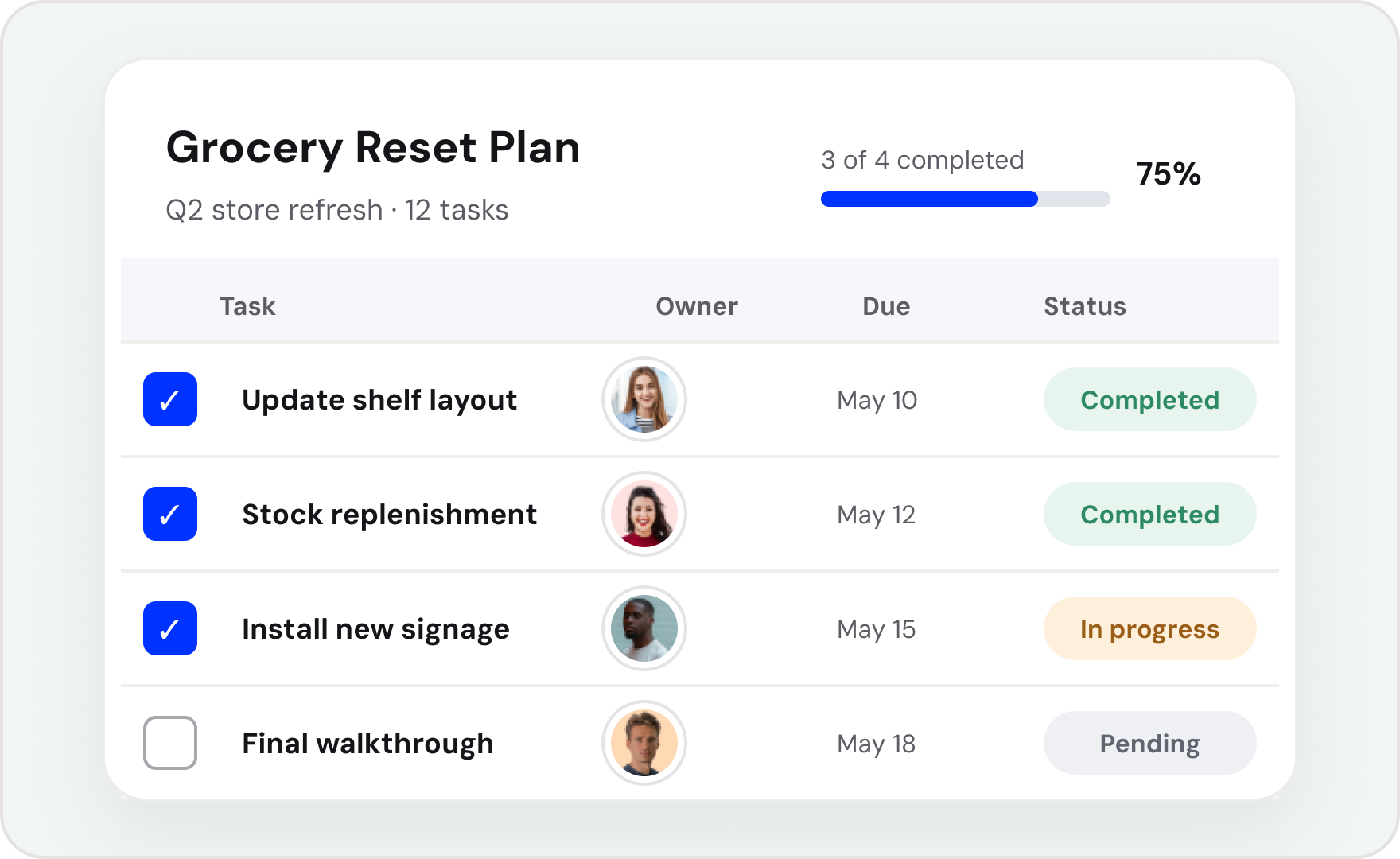
Explore this shared Nodomo product example. Configure the view around your own project.
A multi-store rollout is the same build repeated across sites that are never quite identical. The plan has to hold the shared scope and drawings in one place while letting each location run at its own pace with its own contractor.
This template confirms the rollout list and the scope once, then runs a build-and-sign-off cycle per site so you can see every location against the same standard.
| Workflow stage | Steps included | Why Nodomo beats generic tools |
|---|---|---|
| 01. Rollout planning | Rollout list confirmed, Site-specific drawings and scope confirmed. | Scope and drawings are confirmed once and reused, instead of being re-explained per site. |
| 02. Site build-out | GC or fit-out contractor assigned for that site, Build-out executed on site. | Each site gets its own contractor assignment without forking the plan. |
| 03. Site sign-off | Punch list closed for that site, Site sign-off by the regional ops or FM lead, Site handed over and marked complete. | Punch lists close against photo evidence from the people actually on site. |
The hard part of a rollout is not any single store, it is knowing which of the twenty is slipping while you are standing in the twenty-first.
A live portfolio view shows every site’s stage, owner and overdue work in one place.
Take a store from site selection to opening day.
Turn a short-term space into a ready-to-trade store.
Coordinate approvals, staff communication, asset write-offs and a clear final sign-off.
Coordinate the reset across store layout, inventory, signage and final walkthrough.
Yes. Use the starter stages as a starting point, then review the tasks, assign owners, and configure dates and approvals for your process.
Reuse your configured workflow for each project and track progress from the portfolio dashboard.
Yes. Participants can respond to assigned tasks and approvals through task links without signing up or logging in.
Nodomo’s AI-assisted builder can use a spreadsheet to create a draft workflow. Review and refine the tasks and dependencies before starting your project.
Know which projects are on track, where work is stuck, and who needs to move next. Bring every project update into one connected view.
Start your 15-day free trial