Purchase Request
1 nodeYour team
Included in this milestone
- Confirm scope and quantities
Follow every purchase order from raise to dispatch, delivery, GRN inspection and payment release in one tracked workflow.
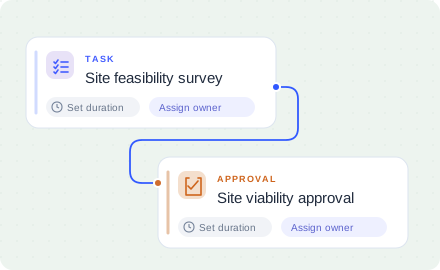
Follow the real process, stage by stage, with the approvals and rework loops that keep it honest.
Drag to explore · Scroll to zoom · Click a step to focus
Explore the milestones and the work included in each stage of your project.
Plan timelines, follow your workflow, and monitor progress. Explore the existing product visuals below.
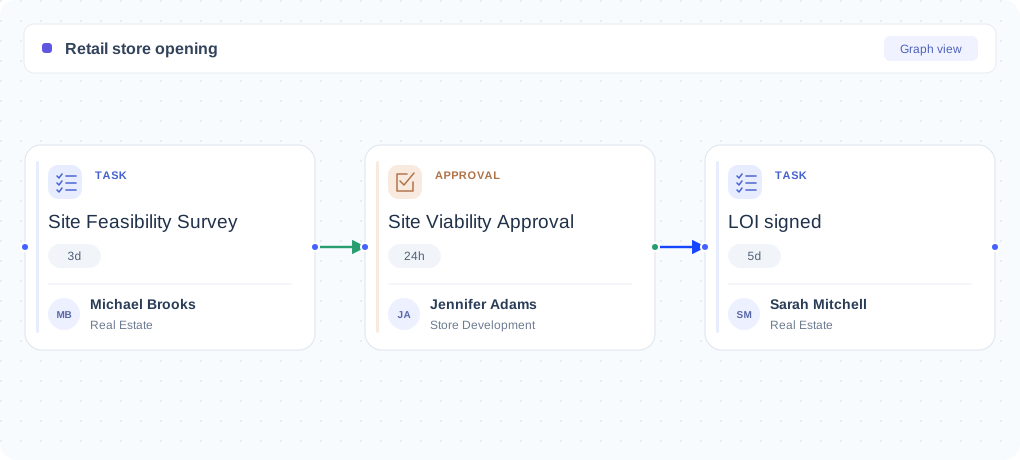
Explore this shared Nodomo product example. Configure the view around your own project.
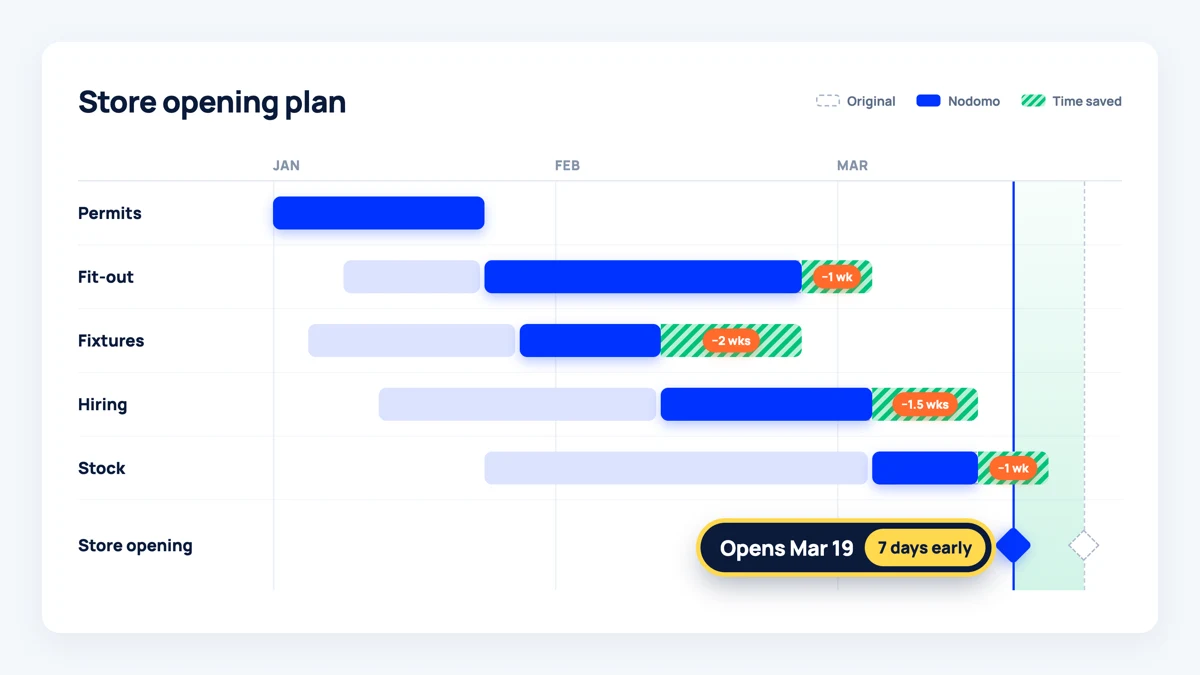
Explore this shared Nodomo product example. Configure the view around your own project.
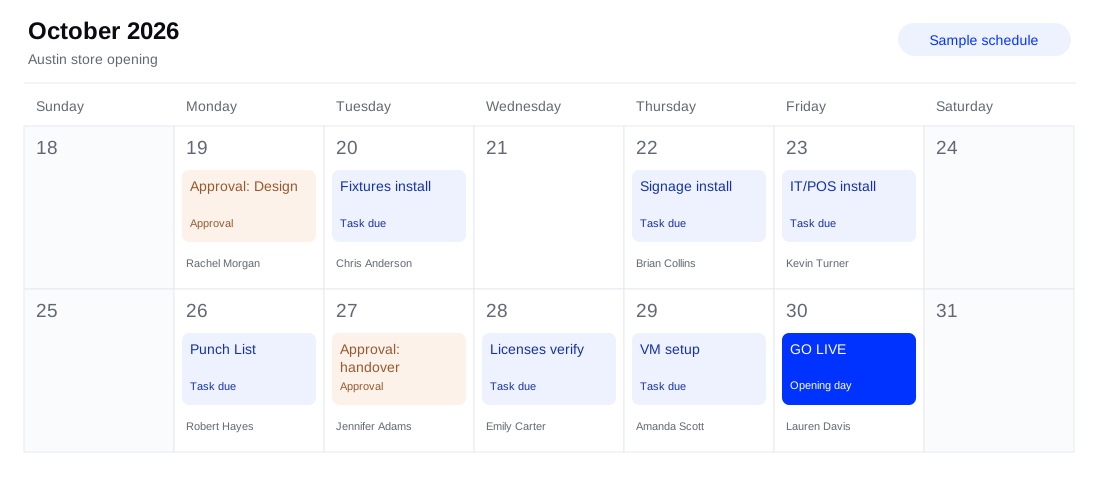
Explore this shared Nodomo product example. Configure the view around your own project.
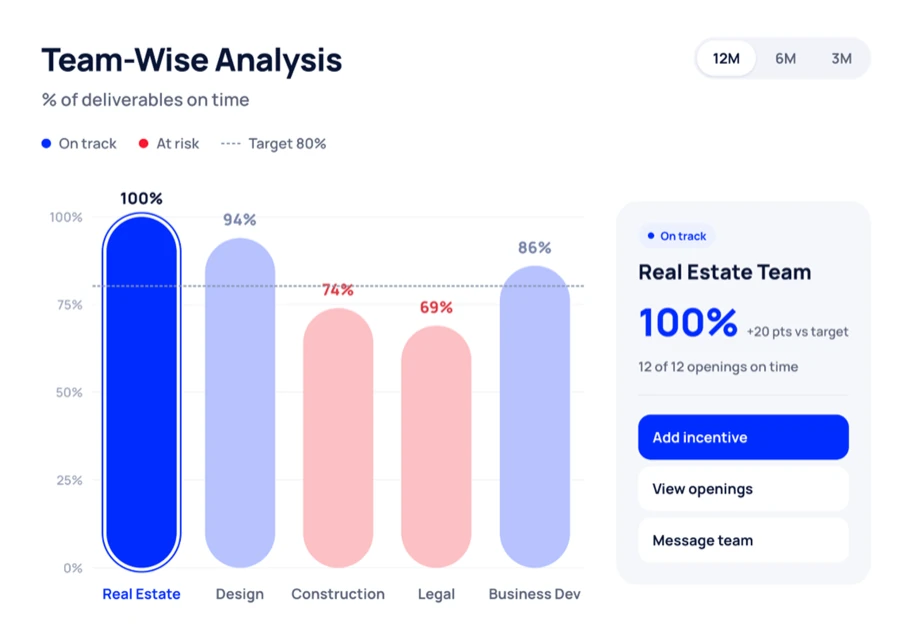
Explore this shared Nodomo product example. Configure the view around your own project.
Most purchase order tracking breaks at the goods receipt. The PO is in one system, the dispatch note is in an email, the GRN is on paper at the store, and the invoice query starts a week later with nobody able to say what actually arrived.
This template runs the whole chain in one place, from PO raised to payment released, with the discrepancy path built in rather than improvised.
| Workflow stage | Steps included | Why Nodomo beats generic tools |
|---|---|---|
| 01. Order & dispatch | PO raised, PO confirmed by vendor, Dispatch notice sent, In-transit trackin. | Vendors confirm the PO and send dispatch notices through the same workflow. |
| 02. Delivery & GRN | Delivery at store, GRN inspection, Approval: GRN match. | GRN inspection is an approval, so a mismatch is recorded rather than argued about later. |
| 03. Discrepancy handling | GRN confirmed in system, Discrepancy flagged, 3-way invoice match, Vendor response. | Discrepancies open their own branch with vendor response and credit note handling. |
| 04. Invoice & payment | Approval: payment release, Approval: resolution, Payment released, Credit note / replacement. | Payment release is gated behind a three-way match, not behind a reminder email. |
When the order, the delivery evidence and the invoice live on the same timeline, reconciliation stops being a monthly exercise and becomes a by-product of the work.
Reuse the workflow for every PO and see which vendors actually hit their dates.
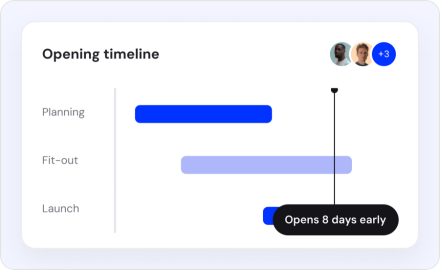
Take a store from site selection to opening day.
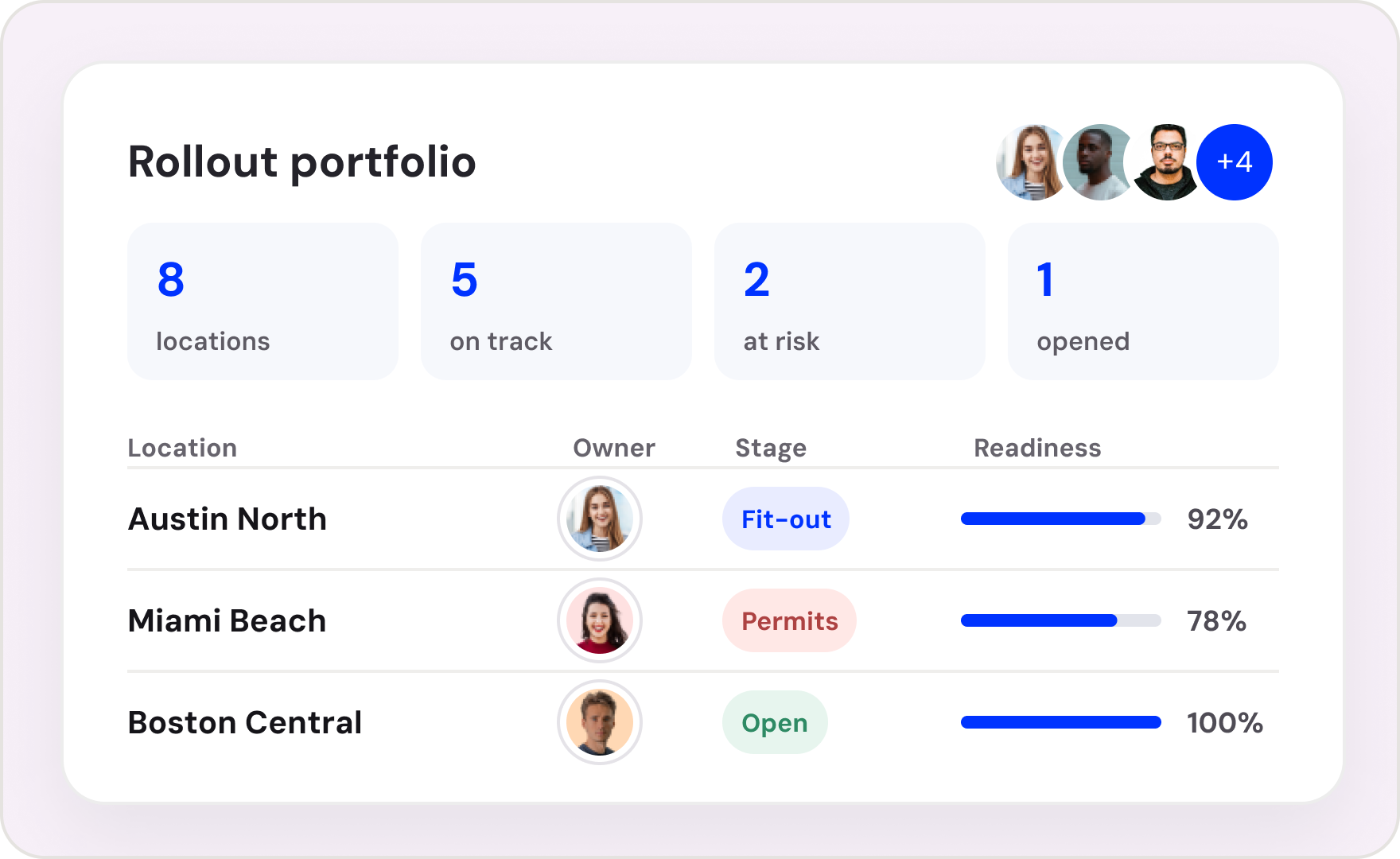
Keep multiple locations moving through a consistent plan.
Turn a short-term space into a ready-to-trade store.
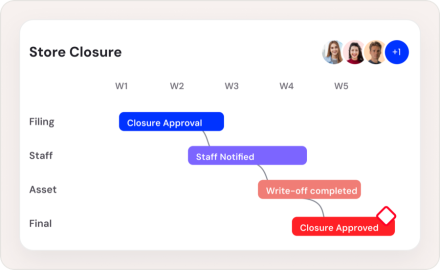
Coordinate approvals, staff communication, asset write-offs and a clear final sign-off.
Yes. Use the starter stages as a starting point, then review the tasks, assign owners, and configure dates and approvals for your process.
Reuse your configured workflow for each project and track progress from the portfolio dashboard.
Yes. Participants can respond to assigned tasks and approvals through task links without signing up or logging in.
Nodomo’s AI-assisted builder can use a spreadsheet to create a draft workflow. Review and refine the tasks and dependencies before starting your project.
Know which projects are on track, where work is stuck, and who needs to move next. Bring every project update into one connected view.
Start your 15-day free trial