People & Site Handover
2 nodesPeople OperationsStore Operations
Included in this milestone
- Staff transfer plan
- Old site handover
Coordinate your old site handover, staff transfer plan, inventory move, and new store reopening in one connected workflow.
Follow the real relocation process: the old site exit and the new site build run in parallel, then meet at a readiness gate before moving week.
Drag to explore · Scroll to zoom · Click a step to focus
Explore the milestones and the work included in each stage of your project.
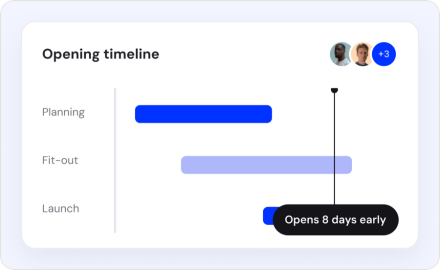
Plan timelines, follow your workflow, and monitor progress. Explore the existing product visuals below.
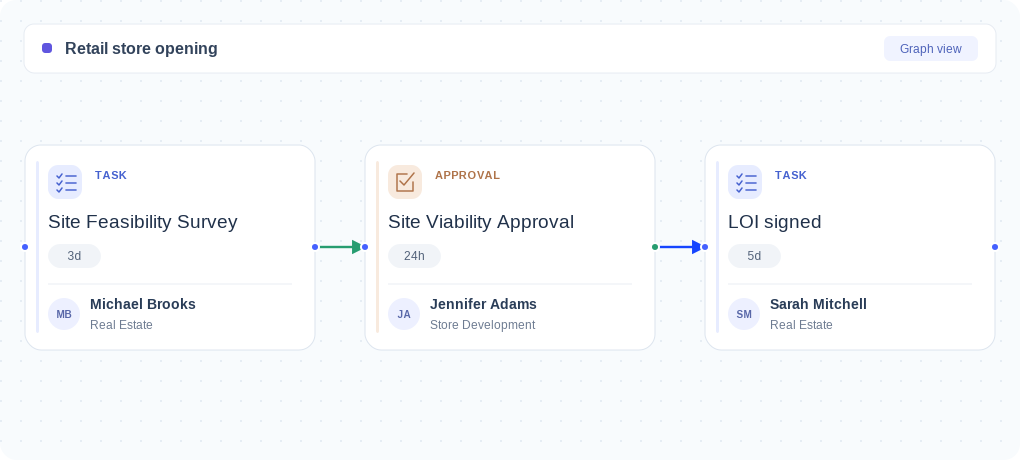
Explore this shared Nodomo product example. Configure the view around your own project.
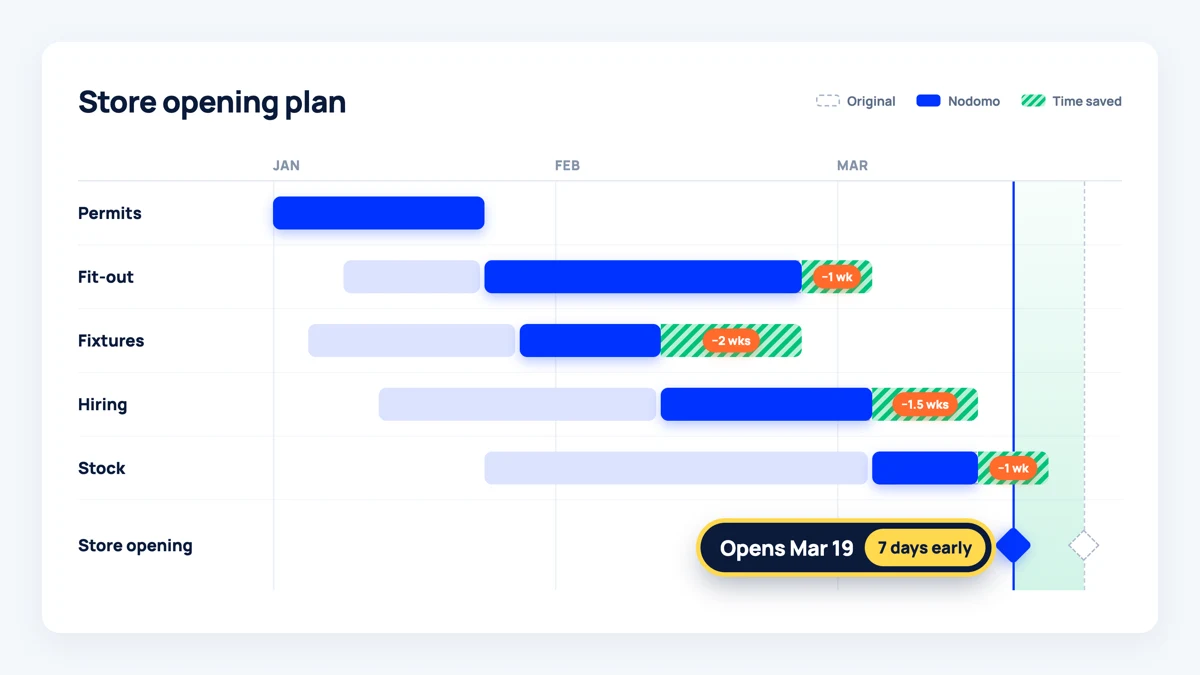
Explore this shared Nodomo product example. Configure the view around your own project.
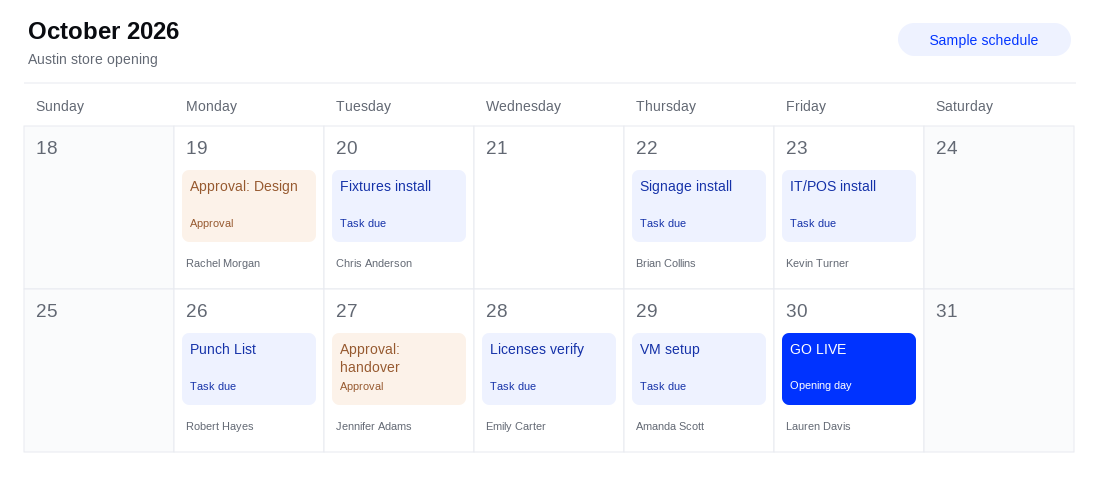
Explore this shared Nodomo product example. Configure the view around your own project.
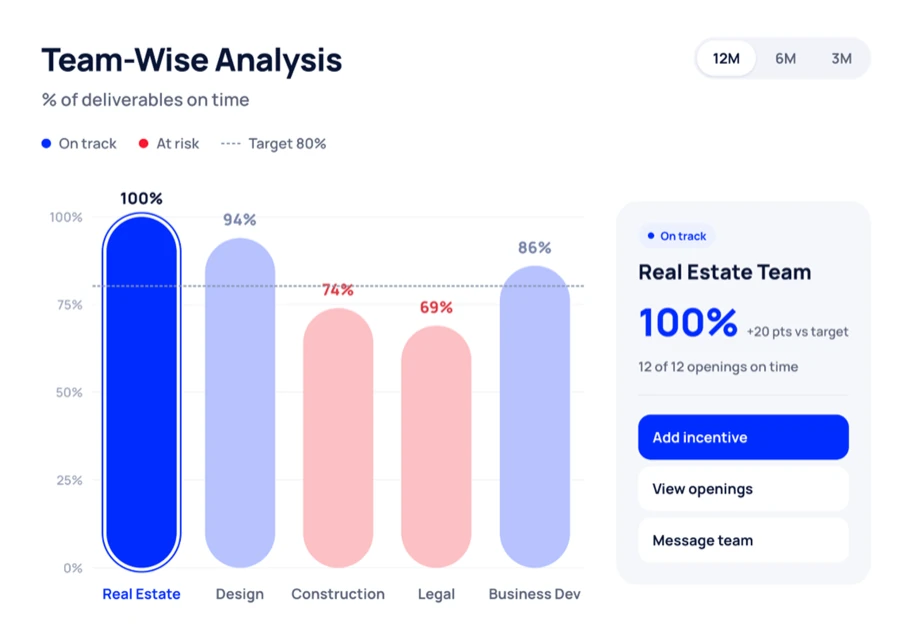
Explore this shared Nodomo product example. Configure the view around your own project.
Relocating a physical store takes a two-sided business moving checklist: one side winds down the old lease while the other gets the new unit ready to trade. This store relocation template covers staff transfer schedules, landlord dilapidation handovers, packing and transit, IT and POS cutovers, and new store merchandising — all against one reopening date.
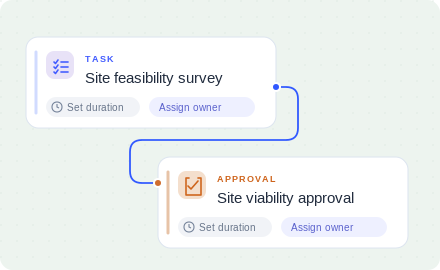
Every step carries an owner, a duration and a dependency. A slipped electrical inspection moves the truck booking on its own, instead of surprising you on moving day.
The exit track and the arrival track each carry their own deadlines. On the way out you are serving landlord notice, booking dilapidation repairs, snapshotting stock and closing utility and POS accounts. On the way in you are running fit-out and licensing, IT and POS cabling, shelving and a merchandising plan. A moving business address checklist only works when both tracks share one reopening date and one named owner per step.
When a move is run from a static PDF checklist, an Excel sheet or a generic task app, nothing protects the timing between the two sites. Generic tools will happily let you book the moving trucks even if the new unit has failed its electrical inspection or staff rosters are not finalized. If you lock the doors on the old shop before the new site is ready, you lose revenue every day you sit dark.
Nodomo is built for retail transitions and commercial relocation project management. It links the old site exit and the new store setup into one workflow with a hard readiness gate before moving week begins, so neither track can run ahead of the other.
| Relocation milestone | Checklist tasks in this stage | Why Nodomo beats generic tools |
|---|---|---|
| 01. People & site handover | New site lease sign-off, commercial approval, fit-out and licensing, staff transfer plan, old site exit notice, inventory and disposal plan, final settlement approval, old site handover. | Runs the property, HR and finance tracks in parallel so staff scheduling, lease hand-back and settlement happen together instead of in sequence. |
| 02. Readiness approval gate | A 24-hour go-live readiness approval that checks both the old site closeout and the new site preparation before anything moves. | Uses an AND-join so moving week is blocked until both tracks pass. A decline routes an instant rework task back to the exact step that failed. |
| 03. Transition & go-live | Transition week execution with movers, IT and POS setup, stock shelving, and the New Location Live milestone. | External movers and IT crews update task progress through mobile links, with no software login and no account to create. |
Whether you are moving a high-street retail unit or adapting this template as a warehouse relocation checklist, you cannot afford communication gaps between property teams, HR and physical movers. Every day between the last sale at the old address and the first sale at the new one is a day of rent with no revenue behind it.
Nodomo gives you one live Gantt and Calendar view of the entire transition, so you can spot slipping tasks early, keep external vendors on schedule, and reopen at the new address without losing customers. Start from this ready-made relocation workflow, or upload the spreadsheet your team already uses and let the AI builder turn it into a connected timeline.
Take a store from site selection to opening day.
Keep multiple locations moving through a consistent plan.
Turn a short-term space into a ready-to-trade store.
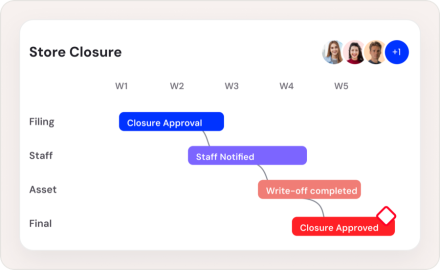
Coordinate approvals, staff communication, asset write-offs and a clear final sign-off.
Yes. Use the starter stages as a starting point, then review the tasks, assign owners, and configure dates and approvals for your process.
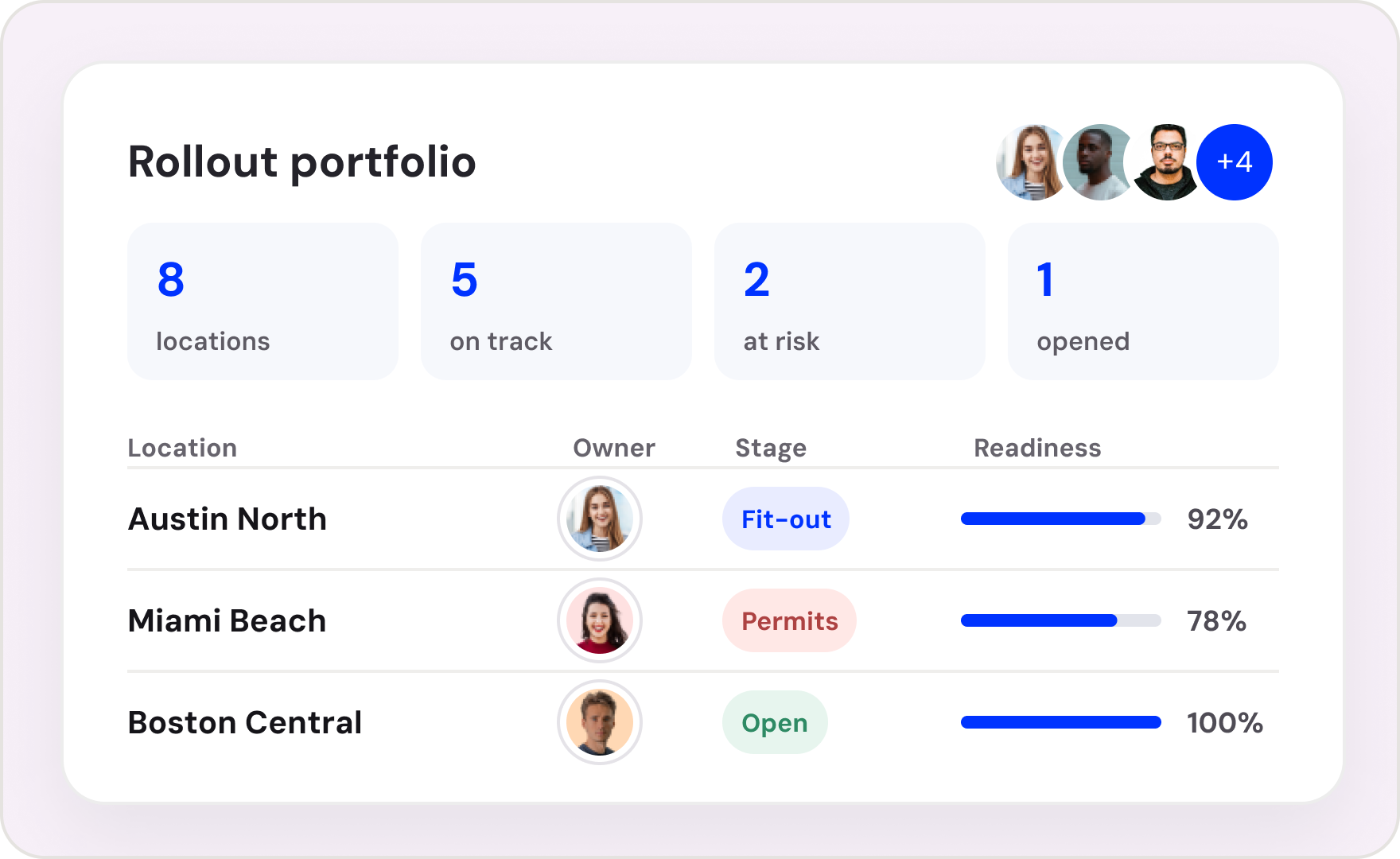
Reuse your configured workflow for each project and track progress from the portfolio dashboard.
Yes. Participants can respond to assigned tasks and approvals through task links without signing up or logging in.
Nodomo’s AI-assisted builder can use a spreadsheet to create a draft workflow. Review and refine the tasks and dependencies before starting your project.
Know which projects are on track, where work is stuck, and who needs to move next. Bring every project update into one connected view.
Start your 15-day free trial