Vendor Intake
1 nodeYour team
Included in this milestone
- Collect business and contact details
Collect vendor details, verify insurance and compliance requirements, and approve suppliers for projects in one connected workflow.
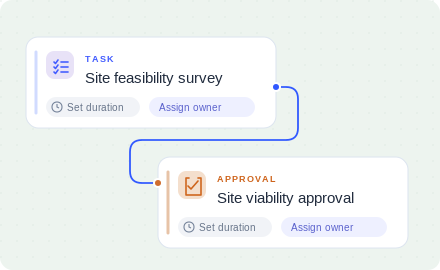
Follow the real process, stage by stage, with the approvals and rework loops that keep it honest.
Drag to explore · Scroll to zoom · Click a step to focus
Explore the milestones and the work included in each stage of your project.
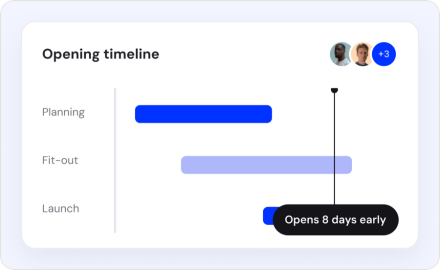
Plan timelines, follow your workflow, and monitor progress. Explore the existing product visuals below.
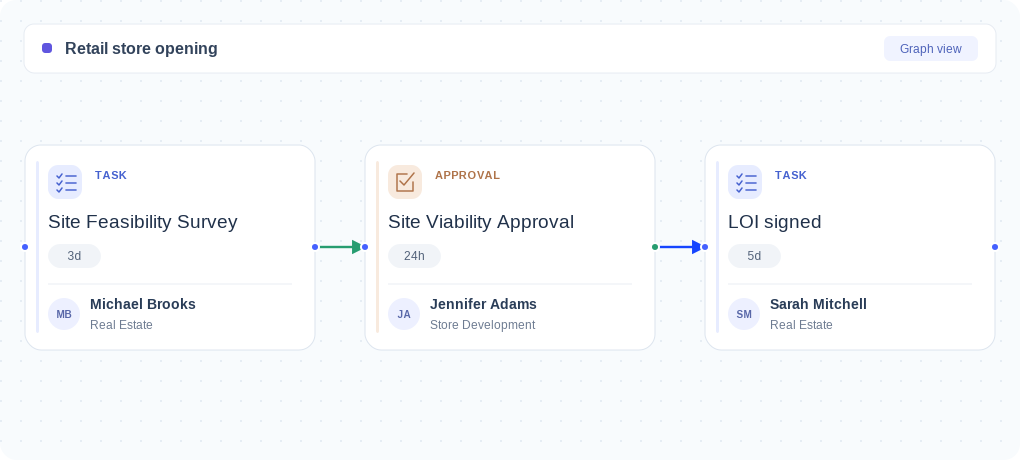
Explore this shared Nodomo product example. Configure the view around your own project.
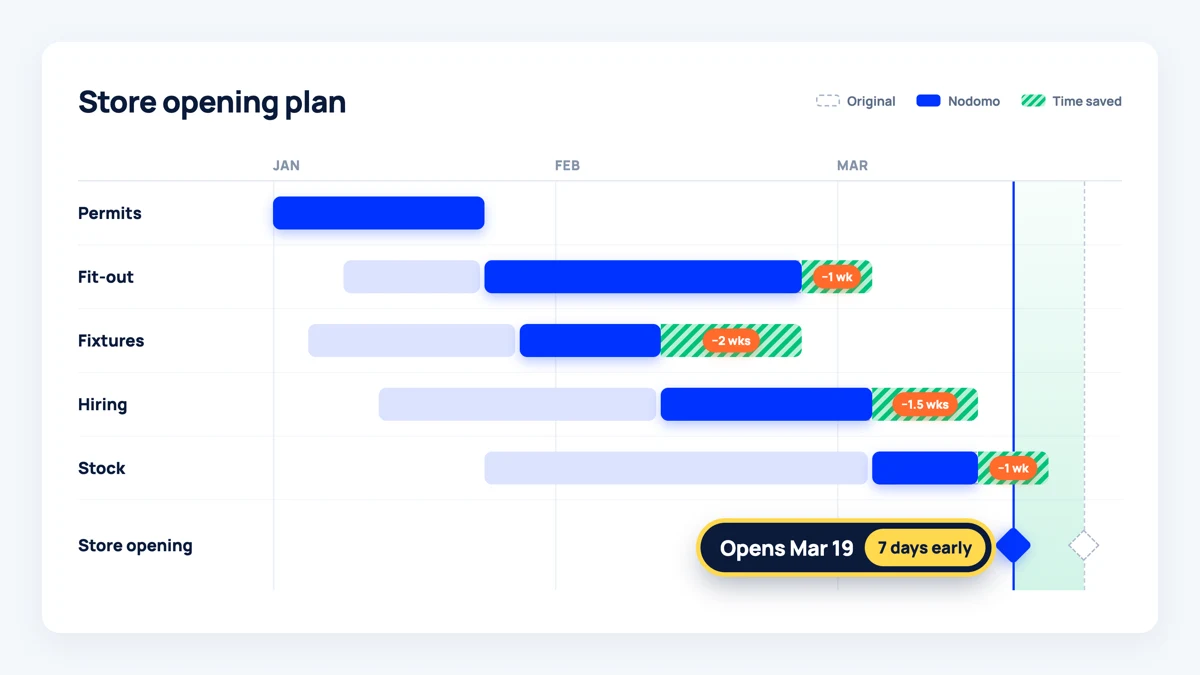
Explore this shared Nodomo product example. Configure the view around your own project.
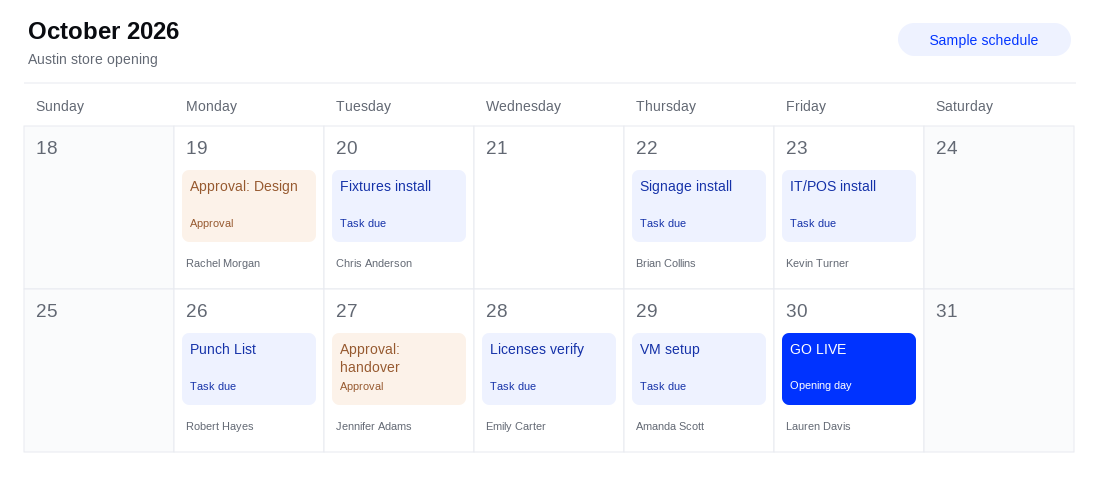
Explore this shared Nodomo product example. Configure the view around your own project.
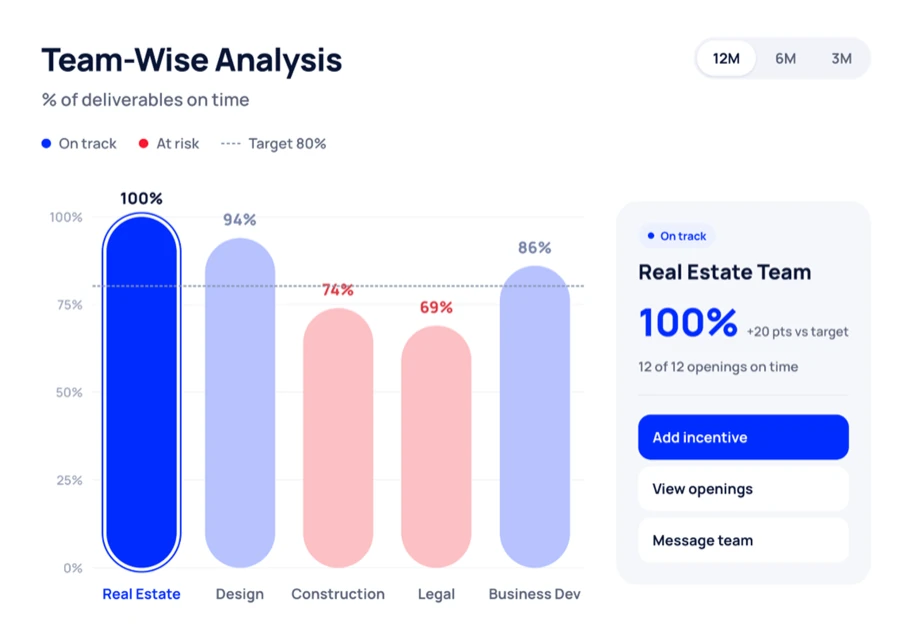
Explore this shared Nodomo product example. Configure the view around your own project.
Before a general contractor, shopfitter, or food supplier can start work on a new store opening, they need to clear your vendor onboarding checklist. A standard vendor onboarding process covers four essential steps: collecting company and banking details, verifying tax forms (such as W-9 or GST), checking trade licenses and Certificate of Insurance (COI) coverage, and signing off on rate cards and working terms.
Tracking this supplier onboarding process in spreadsheets and email threads is slow and messy, while heavyweight enterprise ERP portals force contractors to create accounts they refuse to use. And even if you track vendor docs in a generic tool like Trello or Asana, that board stays completely disconnected from the actual store opening projects where you need to assign those contractors.
Because Nodomo is built for store rollouts and vendor coordination, this vendor onboarding template lets suppliers upload their documents through a simple no-login link and puts approved vendors straight into your active project workflows.
| Onboarding Stage | Checklist & Verification Steps | Why Nodomo Beats Generic Tools |
|---|---|---|
| 01. Vendor Intake | Collect business details, banking info, tax forms, and primary project contacts. | Suppliers upload documents directly via a secure email or WhatsApp link without creating an account. |
| 02. Compliance Review | Verify trade licenses, food or safety certifications, and insurance coverage. | Completing intake automatically notifies Legal, QA, or Risk teams to review the uploaded files. |
| 03. Terms & Approval | Confirm project scope, rate cards, SLAs, and working terms with leadership sign-off. | If an insurance certificate is expired or rates need edits, declining triggers an automatic rework loop. |
| 04. Ready to Assign | Add the verified supplier to your approved vendor list for active site assignments. | Connects supplier enablement directly to the projects where you manage store openings and POs. |
A slow onboarding process should never be the reason a store opening misses its launch date. By standardizing intake and compliance checks in one workflow, Procurement, Finance, and Operations can see exactly where every contractor stands.
Customize the required documents for builders, equipment suppliers, or maintenance crews, and reuse the template across every new location.
Take a store from site selection to opening day.
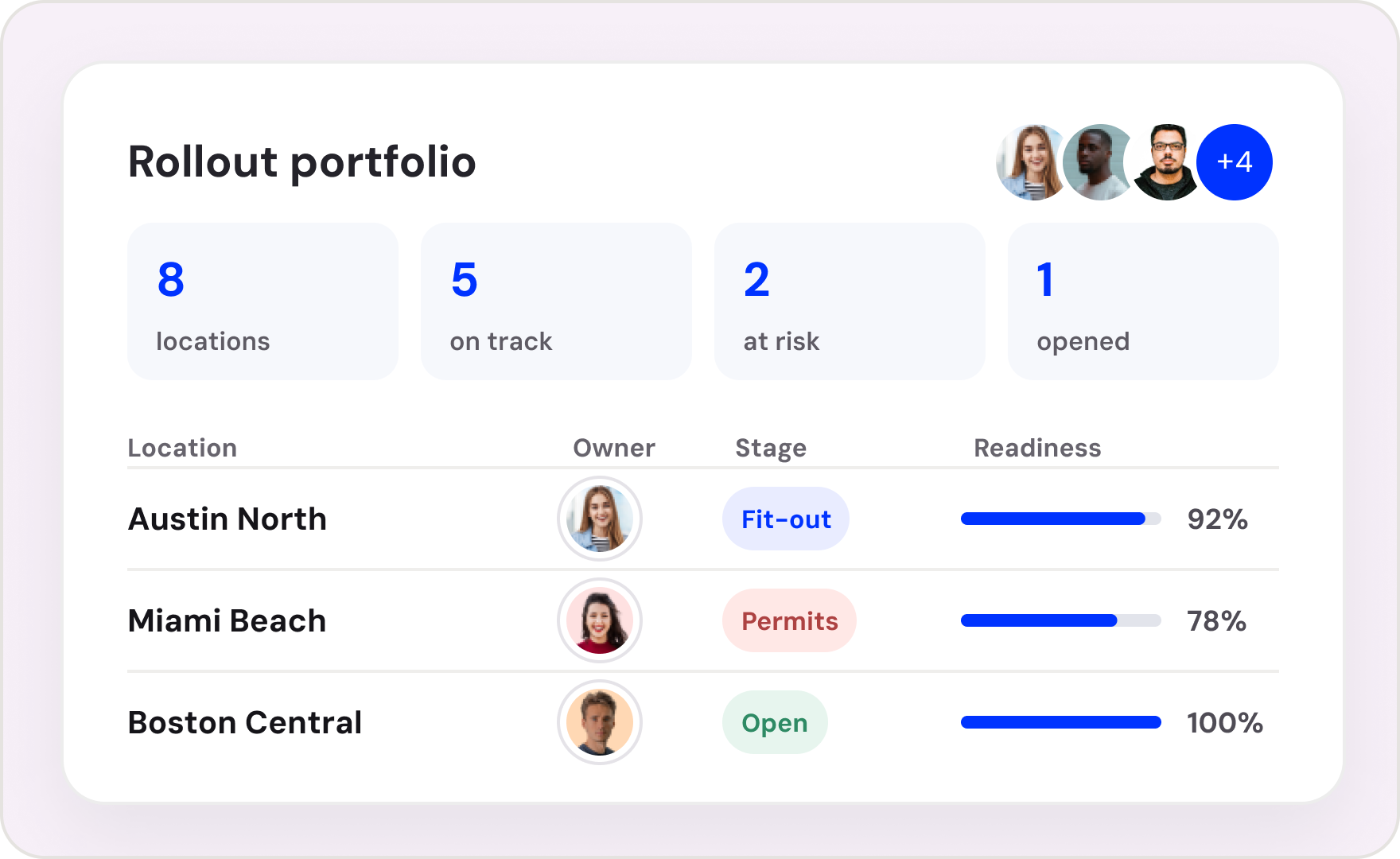
Keep multiple locations moving through a consistent plan.
Turn a short-term space into a ready-to-trade store.
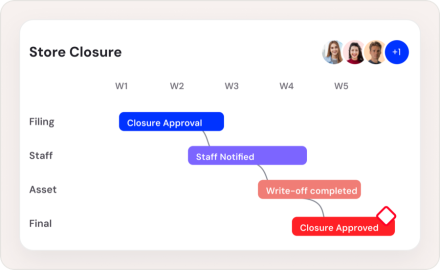
Coordinate approvals, staff communication, asset write-offs and a clear final sign-off.
Yes. Use the starter stages as a starting point, then review the tasks, assign owners, and configure dates and approvals for your process.
Reuse your configured workflow for each project and track progress from the portfolio dashboard.
Yes. Participants can respond to assigned tasks and approvals through task links without signing up or logging in.
Nodomo’s AI-assisted builder can use a spreadsheet to create a draft workflow. Review and refine the tasks and dependencies before starting your project.
Know which projects are on track, where work is stuck, and who needs to move next. Bring every project update into one connected view.
Start your 15-day free trial