

Specifications and updates are scattered.
Keep the current shop drawing revision and supplier updates with the fabrication task.
Keep fixture specifications, shop drawings, fabrication, delivery and installation connected across every site.
A drawing revision or a late long-lead shipment can affect every team scheduled to work at a site. Keep fixture specifications, delivery dates, and acceptance tied to the work.
Keep the current shop drawing revision and supplier updates with the fabrication task.
Track millwork and fixture lead times against installer dates and site readiness.
Collect photos and record who verified the work before handover.
From shop drawing approval to final acceptance, store design, procurement, fixture manufacturers, and site teams work from one plan.
Assign owners, deadlines, and forms for specifications, shop drawings, purchase orders, fabrication, delivery, installation, and inspection.
Reuse the same checkpoints across locations.Start from the saved fixture template, then set local measurements, owners, delivery dates, and access requirements.
Keep site-specific details with each project.Send architectural millwork shop drawing approvals through Gmail, follow up on fabrication in WhatsApp, and use a Nodomo AI call to confirm delivery.
Release fabrication against the approved drawings.Send manufacturers and installers secure task links for staging updates, delivery confirmation, and installation photos, including owner-furnished, contractor-installed (OFCI) items. No Nodomo account needed.
Keep vendor updates with the work they belong to.A wrong-height gondola or damaged millwork often surfaces on opening day. Have the site manager check installation photos against the approved shop drawings before Store Development accepts the site.
Record who accepted the work before handover.Follow a late delivery through installation and final inspection to the projected store-opening date when the fixture is on the critical path.
Use the schedule float to reschedule dependent work.Use a reusable workflow to assign shop drawing reviews, staging and delivery checks, and installation sign-off.
Use the PO to Delivery Tracking template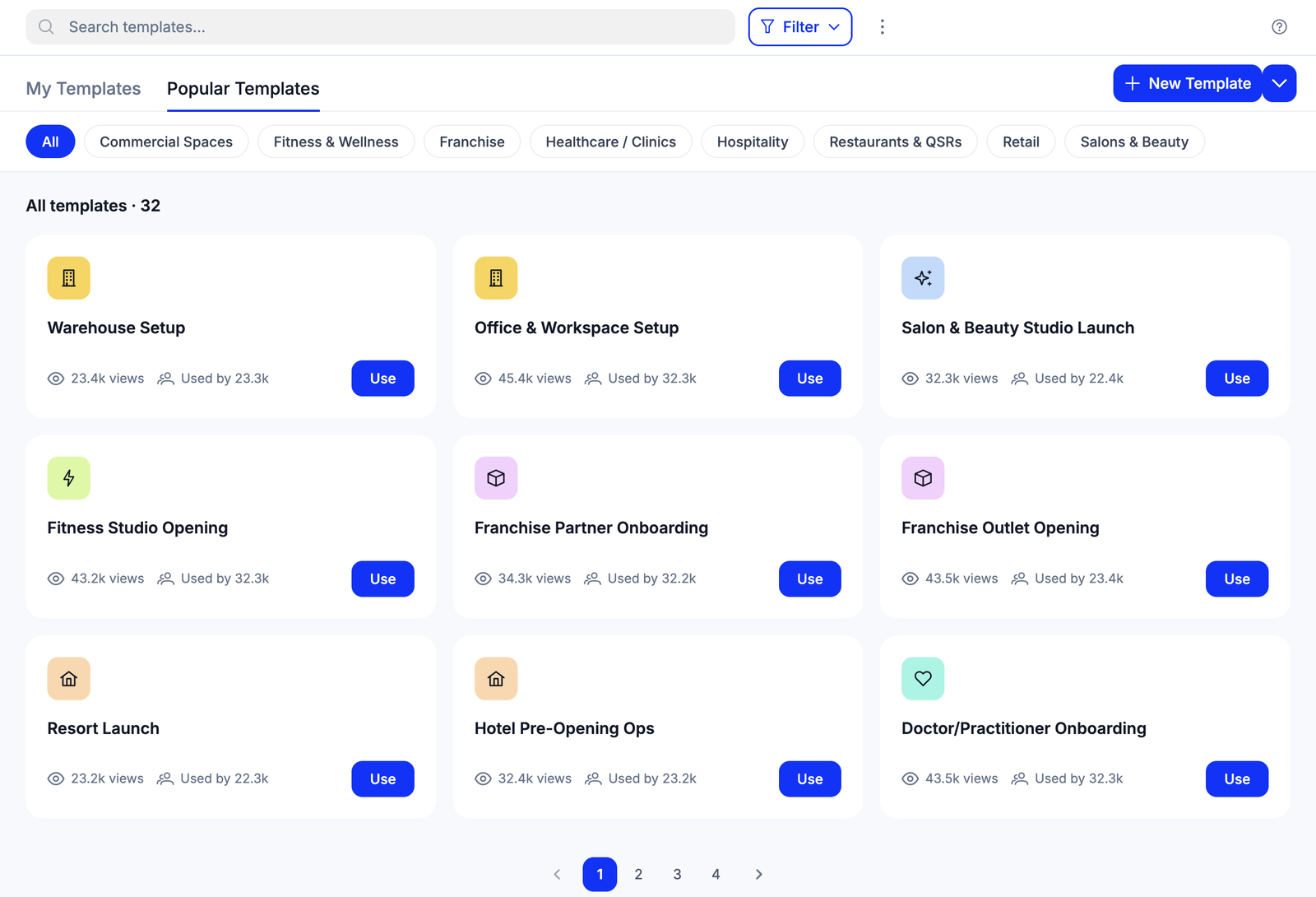
Yes. Start site projects from a reusable fixture workflow and set the owners, dates and requirements for each location.
Assign the task and send a secure link. Suppliers can submit the requested update or photos without creating a Nodomo account.
Link fixture installation and sign-off to the opening milestone so changes to dependent dates are visible in the schedule.
Link the delivery and installation tasks to a site-readiness check that covers access, staging, and receiving.
Yes. Give long-lead procurement items their own order and fabrication tasks, so a 16- to 36-week lead time is visible against the opening date from day one.
Assign the site manager to check the installation photos against the approved drawings, then route final acceptance to Store Development.
Know which projects are on track, where work is stuck, and who needs to move next. Bring every project update into one connected view.
Start your 15-day free trial