

Instructions drift across locations.
Use one approved workflow for each store in the wave.
Run merchandising, equipment or operating changes across stores with a repeatable plan and local owners.
A delayed delivery or incomplete reset at one store can affect an entire wave. Link head-office decisions, local work and launch readiness in one plan.
Use one approved workflow for each store in the wave.
Track access, deliveries, shared regional crews and dates at the store level.
See what is blocking the launch while there’s time to act.
Use one workflow across existing stores, with regional ownership and a portfolio view of progress.
Define the pilot, store list, rollout waves, material release, installation, photo evidence, and final approval.
Start each wave with the same checkpoints.Apply the standard workflow with local dates, assigned teams, access details, and blackout dates such as a mall’s holiday construction freeze.
Keep local exceptions visible.Route pilot approval and follow up on store and wave readiness before releasing kits.
Give regions the same plan before work starts.Vendors and field teams report delivery, setup, and handover from a secure link, with no login or app download.
Put the latest update alongside each task.Stores mark a reset done without proof, and missing kits surface weeks later. Require setup photos against the planogram and sign-off from store and regional managers.
Compare completion evidence across the wave.Use the portfolio dashboard to see which stores are ready, waiting on deliveries, or overdue for sign-off.
Give regional teams a list of stores that need action.Define the pilot, rollout waves, shipment checks, and store-level acceptance once.
Use the Multi-Store Rollout template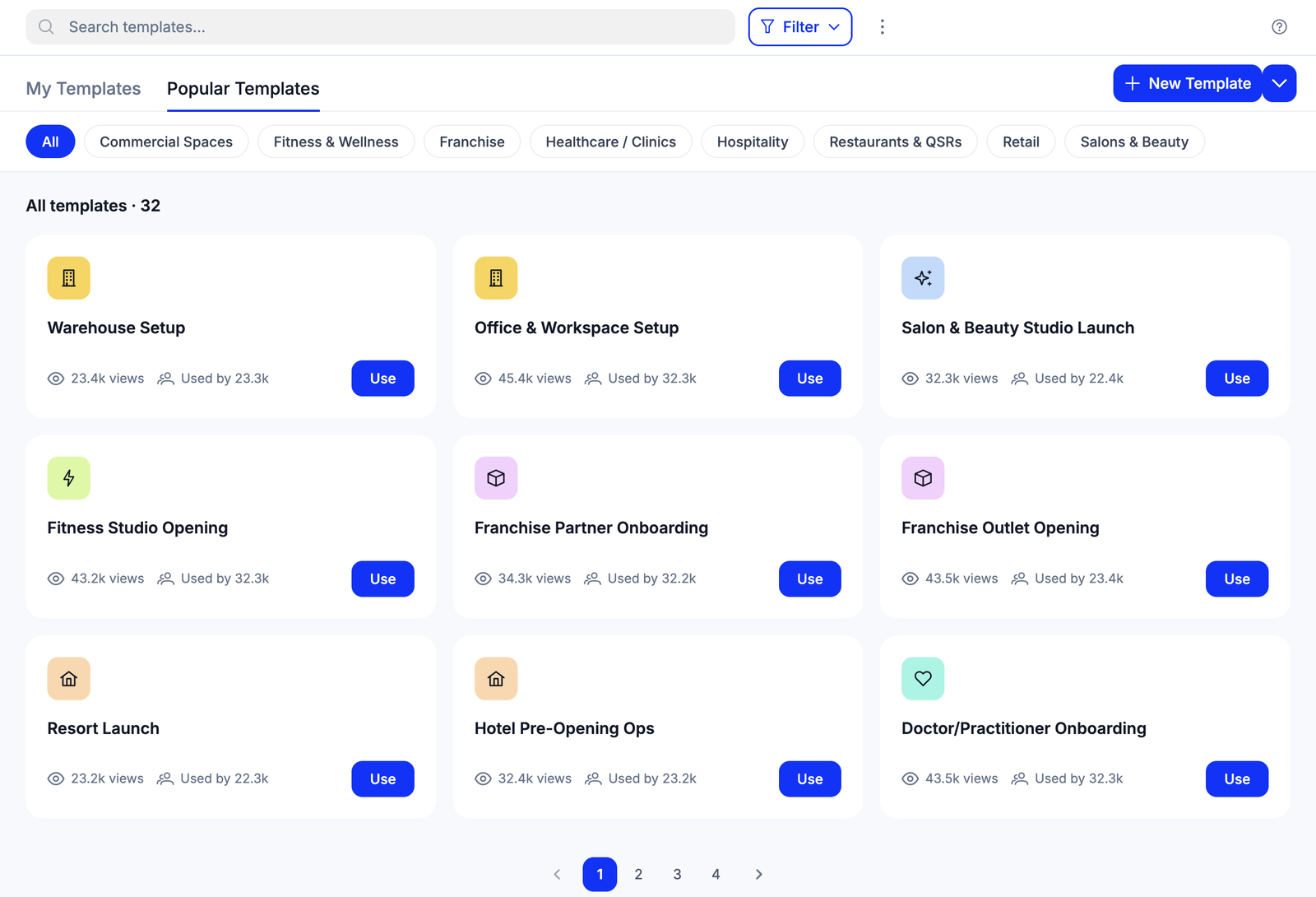
Yes. Start a project for each location from the same template, then set local owners, dates and exceptions.
Track projects together to see overdue work and inspect the dependencies affecting a location’s launch date.
Assign photo evidence and approval tasks so each store’s completion has a recorded sign-off.
Yes. Start a project at each participating location and schedule it around existing trading hours and access requirements.
Use a repeatable workflow for fixtures, merchandising displays, technology, a fleet rebrand wave, or operating changes across existing stores.
Know which projects are on track, where work is stuck, and who needs to move next. Bring every project update into one connected view.
Start your 15-day free trial